Choosing the right CCTV and security system in Lahore can help protect your home, office, shop, or commercial property. However, selecting a suitable system requires more than comparing camera prices. You need to consider your security requirements, camera resolution, night vision, recording storage, connectivity, and installation costs.
Different properties have different security needs. A small house may require only a few cameras, while a warehouse or commercial building may need a larger surveillance system with multiple recording channels. Understanding these factors will help you make an informed decision and choose a CCTV system that provides reliable monitoring without exceeding your budget.
Why Is Choosing the Right CCTV Security System Important?
A CCTV security system allows you to monitor important areas, review recorded footage, and check activity around your property. It can also help you identify suspicious activity and improve security awareness. In Lahore, CCTV cameras are commonly used in houses, apartments, offices, retail shops, schools, warehouses, and other commercial properties. However, the right system depends on the size of the property, the areas you want to monitor, and your recording requirements.
Before purchasing security cameras, consider these questions:
- Which areas need continuous monitoring?
- Do you need indoor cameras, outdoor cameras, or both?
- Is clear footage required at night?
- Do you want to view cameras remotely on your mobile phone?
- How many days of recorded footage do you need to keep?
- What is your budget for cameras, recording equipment, and installation?
Answering these questions will make it easier to compare different CCTV surveillance solutions.
1. Identify Your Home or Business Security Needs
The first step is to identify the areas that require monitoring. Installing cameras without proper planning can leave important entrances or outdoor areas uncovered. For residential properties, consider monitoring the main entrance, garage, driveway, boundary walls, and other accessible areas. Indoor cameras may also be useful in selected locations, depending on your privacy requirements.
For commercial properties, focus on customer entrances, cash counters, storage rooms, reception areas, corridors, and loading zones. Warehouses and larger buildings may require cameras covering multiple entrances and wider spaces. Create a basic camera placement plan before buying equipment. Consider each camera’s field of view, mounting position, lighting conditions, and possible obstructions. The goal is to achieve useful coverage with an appropriate number of cameras rather than purchasing more equipment than necessary.
2. Compare Different Types of CCTV Security Cameras
CCTV cameras are available in several types, and each is suitable for different situations.
IP Cameras
IP cameras transmit video over a network and can provide high-resolution footage. Many models support remote viewing, motion detection, and integration with network video recorders (NVRs). They are suitable for homes and businesses that need detailed images, flexible networking, or advanced monitoring features.
Analog HD Cameras
Analog HD cameras transmit video through compatible coaxial cabling to a digital video recorder (DVR). They can be a practical choice for properties that need a conventional CCTV setup. If you already have compatible cabling and recording equipment, upgrading an existing system may be more economical than replacing everything.
Wireless CCTV Cameras
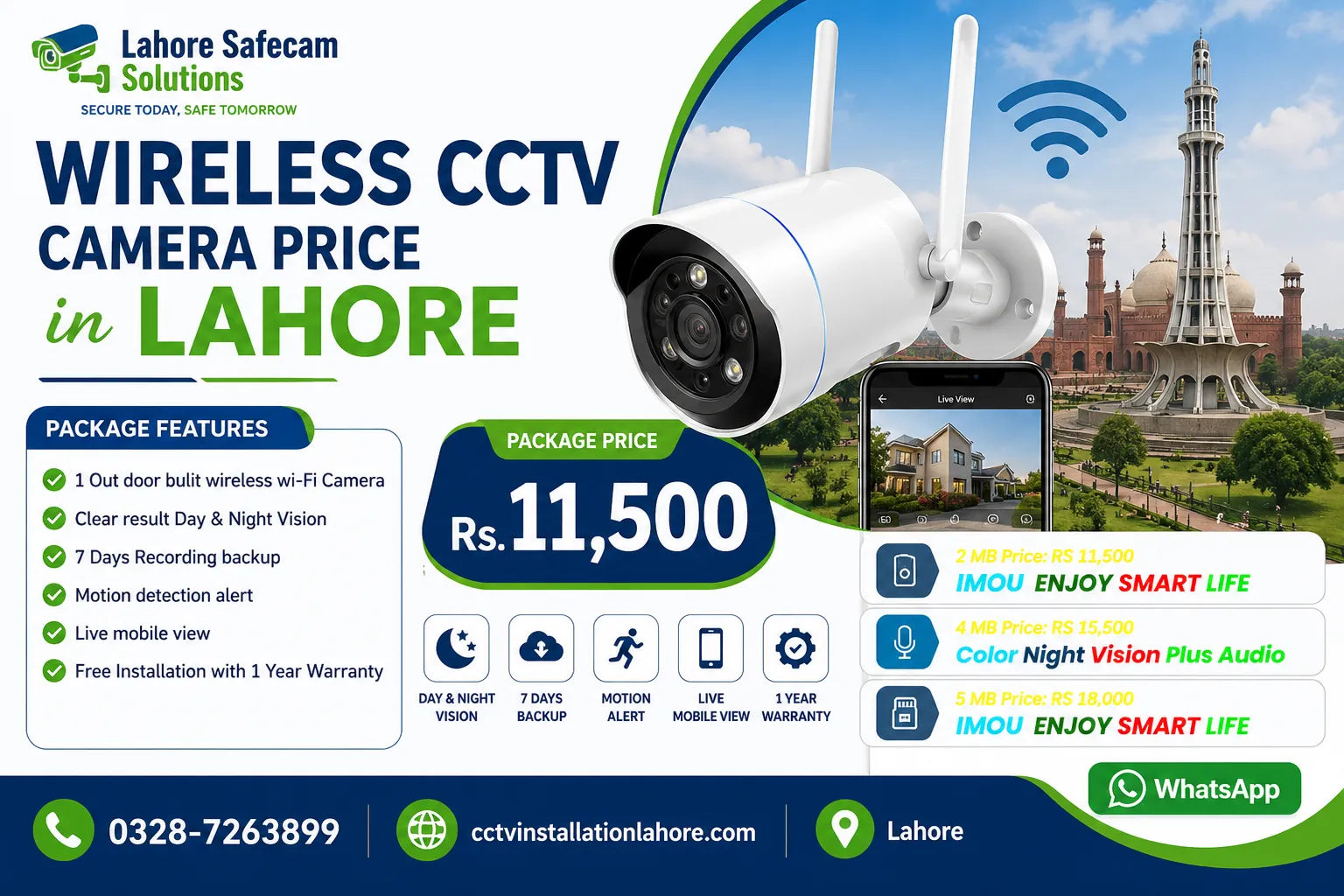
Wireless security cameras use Wi-Fi or another wireless connection to transmit video. They can be useful where running network cables is difficult, but they still need a suitable power source unless they are battery-powered. Their reliability depends on signal strength, network performance, power availability, and the recording options supported by the model.
Indoor and Outdoor Cameras
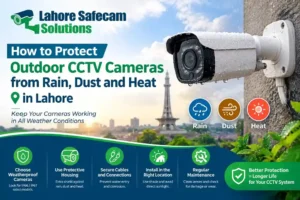
Indoor cameras are designed for protected environments, while outdoor models should have appropriate weather resistance for exposure to rain, dust, and heat. When selecting outdoor CCTV cameras in Lahore, check the manufacturer’s weather-resistance rating and operating temperature range.
3. Choose the Right Camera Resolution and Night Vision
Camera resolution affects how much detail appears in recorded footage. Common options include 2MP, 4MP, 5MP, and 8MP (4K) cameras. A 2MP camera may be sufficient for general monitoring, while higher-resolution cameras can provide more detail when the camera, lens, lighting, and recording settings are suitable.
However, higher resolution does not automatically guarantee better identification. Camera positioning, distance from the subject, lens quality, and lighting conditions also affect image clarity. Night vision is another important factor. Infrared night vision can capture footage in low-light or dark conditions, while some cameras offer color night vision with suitable lighting.
Before choosing a camera, check:
- Resolution and image quality
- Night vision range and low-light performance
- Lens angle and field of view
- Outdoor weather protection
- Performance in challenging lighting conditions
For entrances and other important areas, select a camera that can capture useful facial or object details at the expected distance.
4. Decide Between Wired and Wireless CCTV Systems
Both wired and wireless CCTV systems can provide effective security, but their installation requirements differ.
- Wired CCTV systems use physical cables for video or network transmission. PoE IP cameras can receive power and network connectivity through a compatible Ethernet cable, simplifying installation. Wired systems are often suitable for permanent installations where reliable cabling can be planned.
- Wireless CCTV systems reduce the need for data cables between cameras and the network. They may be easier to install in certain locations, but Wi-Fi coverage, interference, and power requirements must be considered.
| Feature | Wired CCTV | Wireless CCTV |
|---|---|---|
| Connectivity | Physical cables | Usually Wi-Fi or another wireless link |
| Installation | Requires cable planning | May require less data cabling |
| Reliability | Depends on cable and equipment quality | Depends on signal strength and network conditions |
| Power | Wired power or PoE, depending on the model | Mains power, battery, or another supported source |
| Suitable for | Permanent home and commercial setups | Locations where wireless connectivity is practical |
The best option depends on your property layout, internet or network coverage, budget, and maintenance preferences.
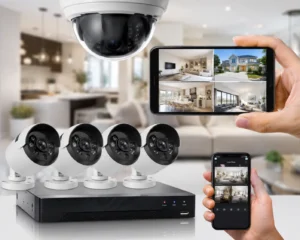
5. Understand DVR, NVR and CCTV Storage Requirements
Recording equipment determines how footage is stored and accessed. A DVR is commonly used with compatible analog cameras, while an NVR generally works with IP cameras. Some systems support additional storage or remote recording features, depending on the equipment. Storage capacity is especially important if you need to retain footage for several days. A larger hard drive can increase recording capacity, but the actual retention period depends on several factors:
- Number of cameras
- Video resolution and frame rate
- Continuous recording or motion-based recording
- Video compression settings
- Camera activity and recording schedules
For example, a system recording continuously from several high-resolution cameras may use storage much faster than a system recording only when motion is detected. Ask your supplier to estimate the expected recording period for your actual camera configuration instead of relying on a general claim about how many days a hard drive will last.
6. Check Mobile Viewing and Remote Monitoring Features
Many modern CCTV systems support mobile viewing through a manufacturer’s application. This feature lets authorized users view live footage and, where supported, review recordings remotely. Before buying a system, confirm that the cameras and recorder support the mobile features you need.
Check whether the system offers:
- Live camera viewing
- Playback of recorded footage
- Motion alerts and notifications
- Multiple authorized users
- Secure account access
- Remote configuration where supported
Remote viewing usually requires an internet connection at the property and a suitable connection on your phone. Some systems can continue recording locally when the internet is unavailable, although remote access may stop until connectivity returns. For better security, change default passwords, use strong unique credentials, update device firmware, and enable additional account protection when available.
7. Consider CCTV System Prices and Installation Costs in Lahore
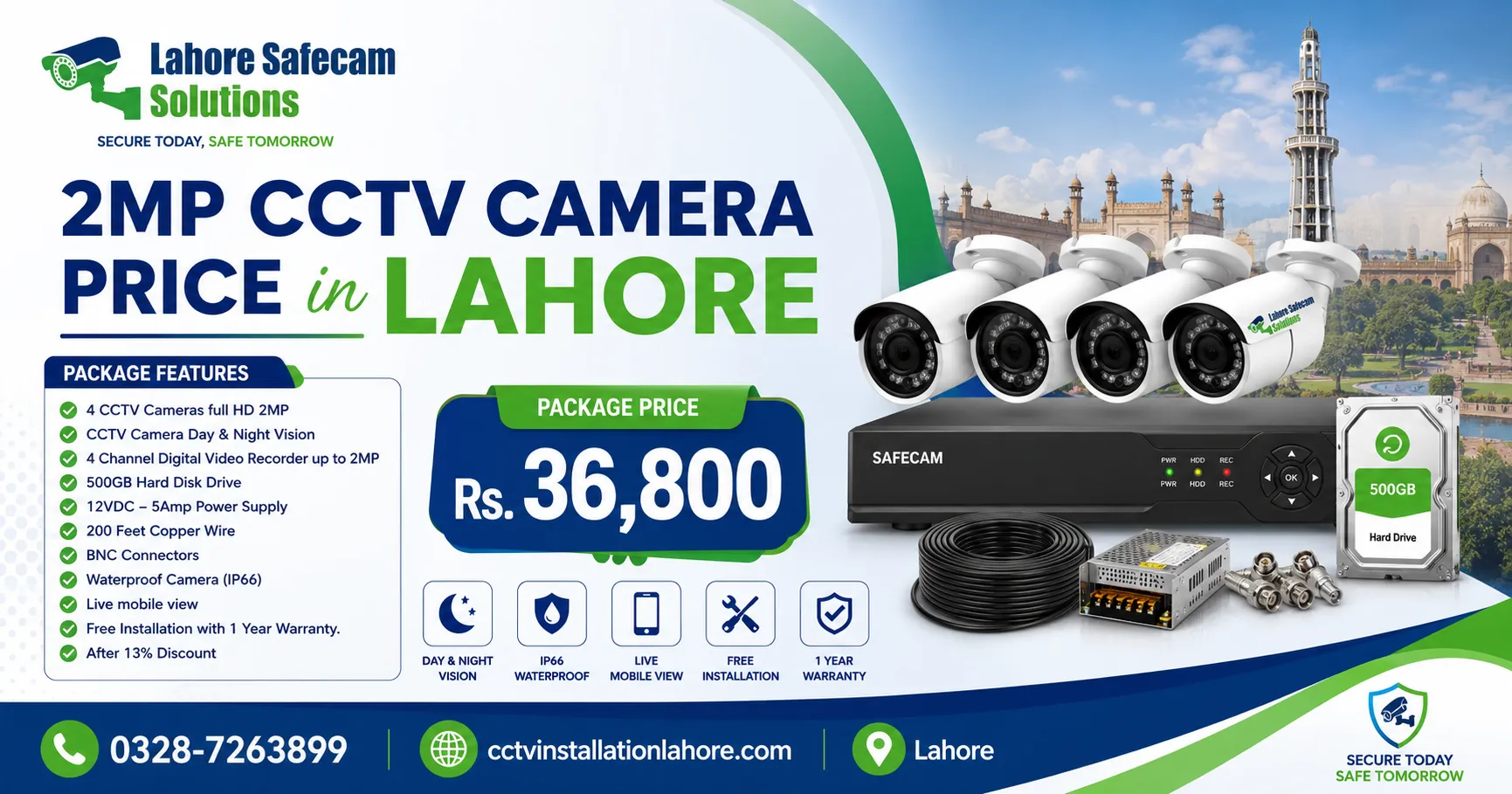
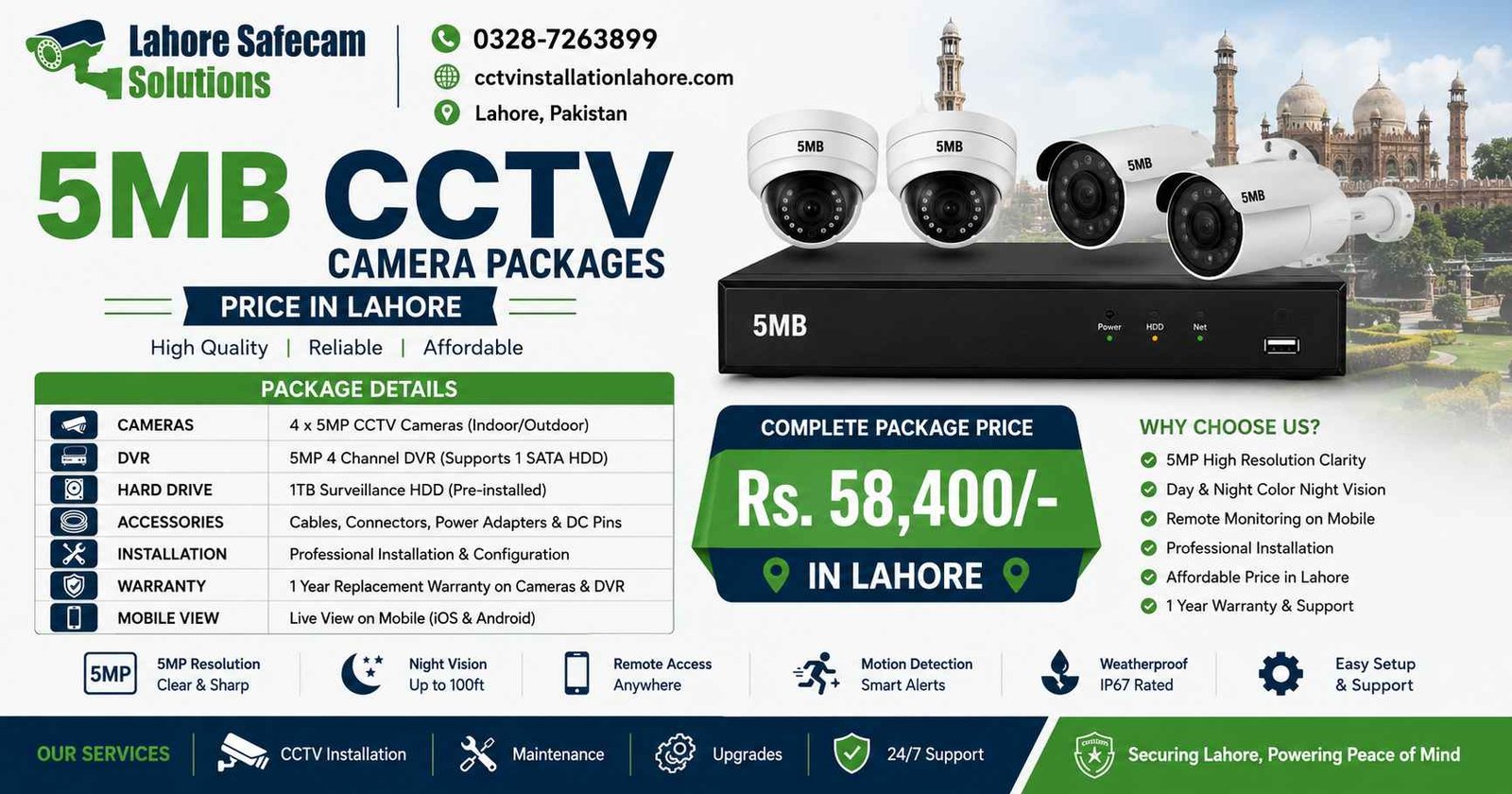
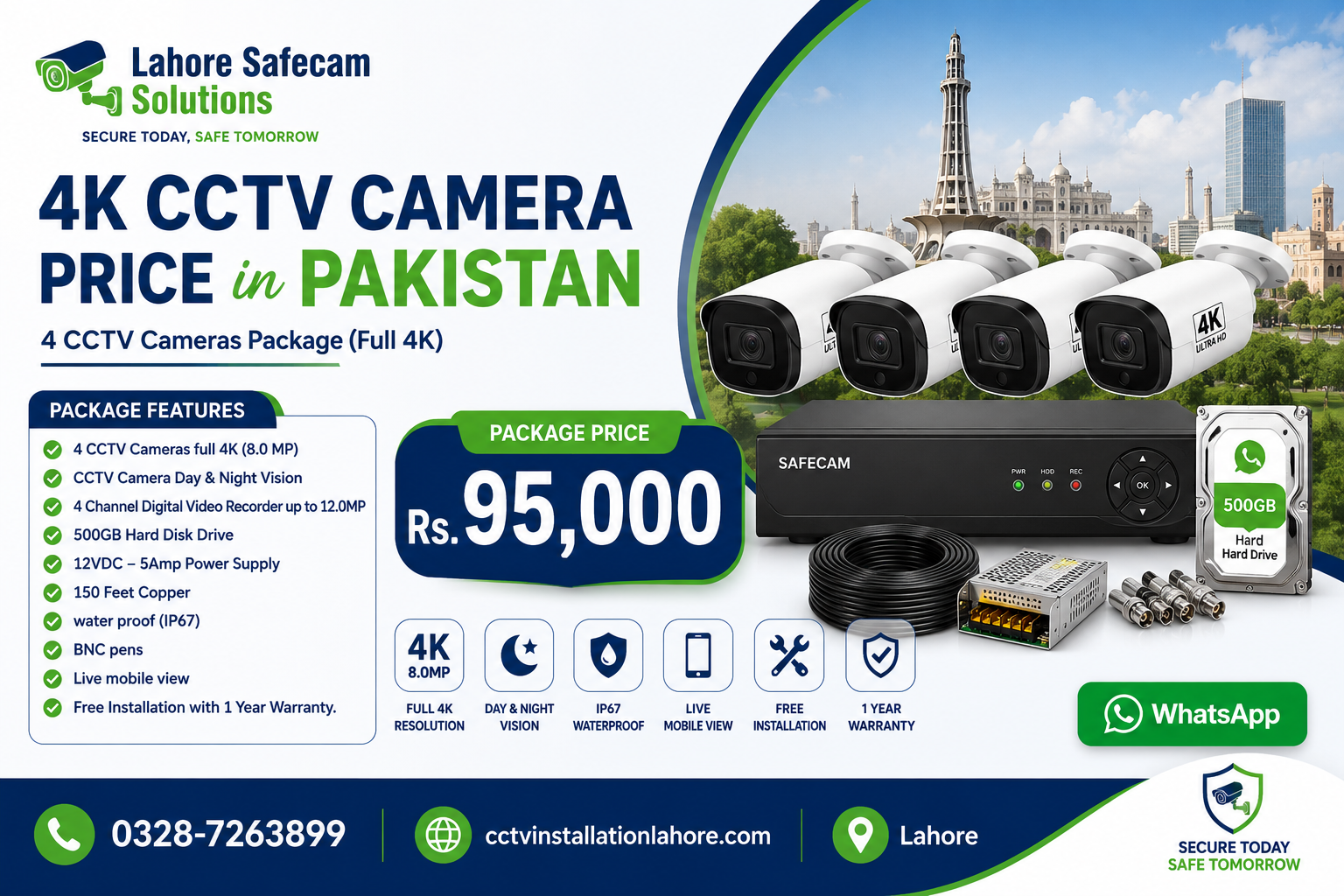
The cost of a CCTV and security system in Lahore depends on the equipment and the complexity of the installation. A low-priced package may not include all the components required for a complete setup.
Your total budget may include:
- CCTV cameras and their specifications
- DVR or NVR recording equipment
- Hard drive and recording capacity
- Power supplies, network equipment, and cables
- Mounting accessories and protective enclosures
- Installation labour and configuration
- Mobile viewing setup and after-sales support
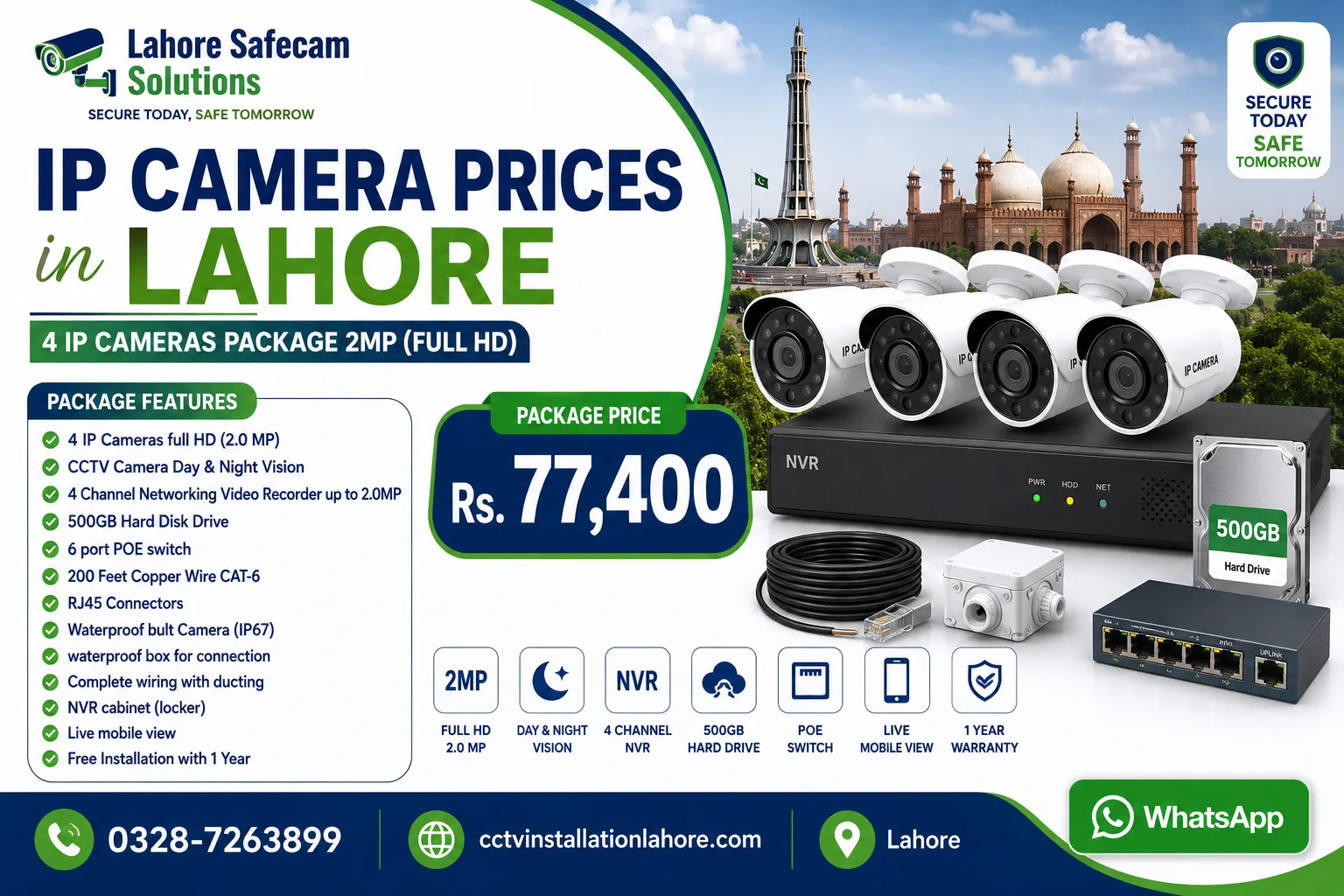
Ask for an itemized quotation so you can compare packages fairly. Check the number of cameras, resolution, recorder channels, storage capacity, warranty terms, and whether installation is included. For accurate pricing, request a quotation based on your property’s layout and security requirements. You can also review our CCTV camera packages and pricing to explore available options.
8. What Should You Check Before Buying a CCTV System?
Before making your final decision, use this checklist to compare different CCTV security systems.
- Confirm that the number of cameras matches your coverage requirements.
- Check camera resolution, field of view, and night vision.
- Verify that the cameras and recorder are compatible.
- Calculate the required recording storage.
- Confirm mobile viewing and remote access features.
- Check weather protection for outdoor cameras.
- Review the warranty and technical support terms.
- Ask whether cabling, accessories, and installation are included.
- Secure the system with strong passwords and updated firmware.
It is also useful to select equipment that can accommodate future expansion if you expect to add cameras later. If you need professional help with equipment selection or installation.
Conclusion
Choosing the right CCTV and security system in Lahore starts with understanding your property’s needs. Compare camera types, resolution, night vision, wired and wireless connectivity, recording storage, mobile viewing, and the complete installation cost before making a decision. A suitable system should provide practical coverage, reliable recording, and manageable long-term maintenance. By evaluating these factors carefully, you can choose a CCTV solution that fits your budget and helps improve security for your home or business.
Frequently Asked Questions
Which CCTV system is best for a home in Lahore?
The best system depends on your home’s size, entry points, lighting conditions, and budget. A small home may need only a few cameras, while a larger property may require additional outdoor coverage. Compare image quality, night vision, storage, and mobile access before deciding.
Is a wired or wireless CCTV system better?
A wired system can be a good choice for permanent installations where cables can be routed properly. A wireless system may be more convenient where running data cables is difficult. Wi-Fi coverage, power requirements, and recording options should be checked before purchasing.
How much does a CCTV security system cost in Lahore?
The price depends on the number and type of cameras, recording equipment, hard drive capacity, cabling, and installation labour. Request an itemized quotation based on your property and required recording period to understand the complete cost.
How many CCTV cameras do I need for my property?
The number depends on the property’s size, entrances, blind spots, and the areas requiring monitoring. Plan camera positions first, then select a suitable number to achieve practical coverage without unnecessary duplication.
Can I view CCTV cameras on my mobile phone?
Many modern CCTV systems support mobile viewing through a compatible application. Remote access normally requires an internet connection at the property and secure account configuration. Check that the cameras or recorder support the required feature before purchasing.
Do CCTV cameras work without the internet?
Many CCTV systems can record footage locally without an internet connection if they have suitable power, recording equipment, and storage. However, remote mobile viewing and internet-based notifications may not work while the connection is unavailable.