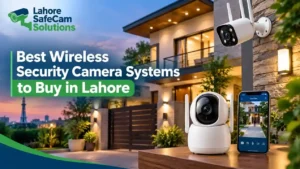
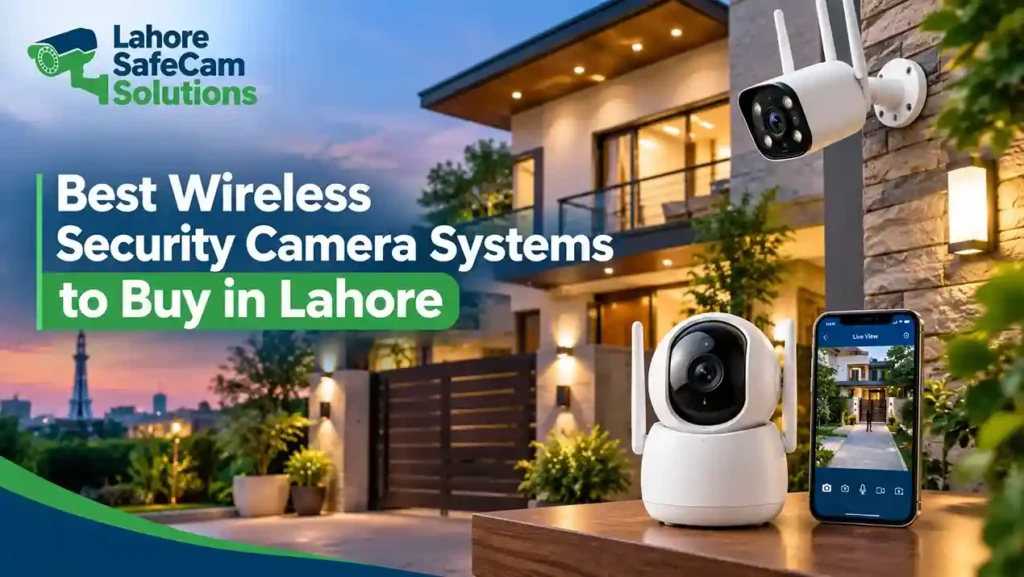
Choosing the right security camera system can help protect your home, shop, or office. Wireless security cameras are a popular option because they can reduce the need for long video cables and allow you to monitor your property through a mobile app. However, not every wireless CCTV system offers the same video quality, recording options, connectivity, or security features.
If you are looking for the best wireless security camera systems in Lahore, consider your property’s layout, Wi-Fi coverage, power supply, storage requirements, and budget before buying. The right system should provide clear footage, dependable recording, and convenient remote access without creating unnecessary maintenance problems.
What Is the Best Wireless Security Camera System to Buy?
The best wireless security camera system is one that matches your property’s security needs, provides reliable connectivity, and records footage in a way that suits your budget. For a small home or apartment, a Wi-Fi security camera with mobile viewing, motion detection, night vision, and microSD card storage may be sufficient. A larger house or commercial property may need several cameras, stronger network coverage, longer recording retention, and a compatible network video recorder (NVR).
Before making a purchase, compare these important features:
- Video resolution: Choose a camera that provides enough detail to monitor entrances, rooms, parking areas, or shop counters.
- Night vision: Infrared or supported color night vision can help capture activity in low-light conditions.
- Recording options: Check whether the camera supports a memory card, cloud recording, or compatible NVR.
- Connectivity: Confirm that your Wi-Fi signal reaches every planned camera location.
- Power supply: Determine whether the camera uses a power adapter, rechargeable battery, or supported solar power system.
- Mobile monitoring: Look for a reliable app that supports live viewing, playback, and security alerts.
The best choice depends on how you intend to use the cameras, rather than simply selecting the model with the most features.
Types of Wireless Security Cameras for Homes and Businesses
Wireless security cameras come in several designs. Understanding their differences can help you select the right option for your property.
1. Indoor Wi-Fi Security Cameras
Indoor cameras are suitable for living rooms, hallways, reception areas, and other internal spaces. Many models provide motion detection, mobile notifications, two-way audio, and night vision. Some indoor cameras also offer pan-and-tilt functionality, allowing you to adjust the viewing direction through a mobile application. These features can be useful when monitoring a larger room with a single camera.
2. Outdoor Wireless CCTV Cameras
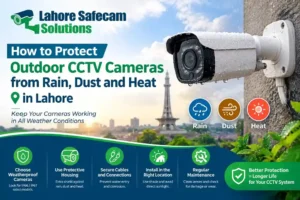
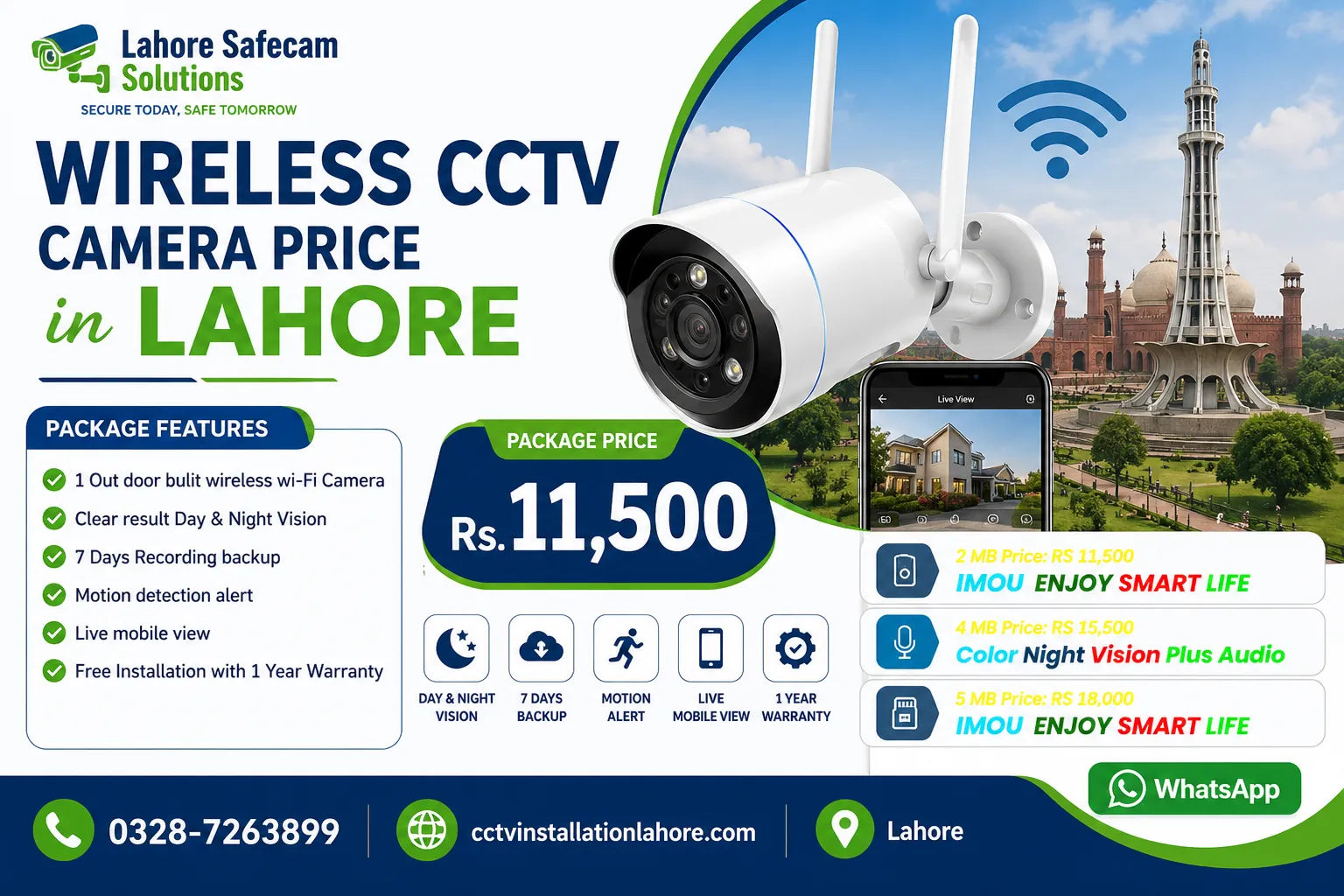
Outdoor cameras are designed for entrances, driveways, balconies, gardens, and building perimeters. When choosing an outdoor wireless security camera in Lahore, consider its weather resistance, mounting position, night vision, and operating temperature. A camera with an appropriate IP rating, such as IP66 where supported by the model, can provide protection against dust and water exposure under specified conditions. However, correct installation and suitable cable or power connections are still important.
3. Battery-Powered Security Cameras
Battery-powered cameras can be useful in locations where running a power cable is difficult. They are often suitable for temporary monitoring or areas with limited access to electrical outlets. However, battery-powered models may rely on motion-triggered recording to conserve power. If you need continuous recording throughout the day and night, check the manufacturer’s specifications before buying. Battery life also depends on activity levels, signal strength, settings, and environmental conditions.
4. Wireless IP Cameras with Pan-and-Tilt Features
Pan-and-tilt cameras can rotate horizontally and vertically to cover a wider area. Some models include automatic tracking or advanced motion detection, but these functions vary by product. They can be useful for monitoring larger rooms, shops, or outdoor areas where a fixed camera would leave important sections outside its field of view.
Which Camera Resolution Should You Choose?
Video resolution affects how much detail a camera captures. However, resolution alone does not guarantee clear footage. Lens quality, lighting, camera placement, and recording settings also matter.
| Camera resolution | Suitable use | What to consider |
|---|---|---|
| 2MP Full HD | Small rooms and basic monitoring | Suitable for general observation |
| 4MP | Entrances, shops, and home monitoring | Offers more image detail than 2MP in comparable conditions |
| 5MP | Areas where additional detail is useful | Check storage requirements and actual image quality |
| 4K or 8MP | Larger areas and detail-focused monitoring | Requires suitable bandwidth, storage, and compatible equipment |
For example, a 4MP or 5MP camera may be a practical option for monitoring a shop entrance or home driveway. A higher-resolution camera may be useful when more detail is needed, but it can also require more storage and network capacity. Before purchasing, consider the distance between the camera and the area you want to monitor. A camera positioned too far away may not capture useful detail, even at a higher resolution.
Wi-Fi, Battery, and Power Requirements
Wireless CCTV cameras usually transmit video over Wi-Fi or another supported wireless connection. This reduces the need for video cables, but it does not mean every camera works without electricity or internet access. Most Wi-Fi cameras need a power adapter, while battery-powered models use rechargeable batteries. Some compatible outdoor cameras can operate with a solar panel. Wi-Fi coverage is equally important. Thick walls, multiple floors, metal objects, and long distances from the router can weaken the signal. A camera with poor connectivity may experience delayed live viewing, missed notifications, or interrupted recordings.
Before installing a wireless security camera system in Lahore:
- Test Wi-Fi signal strength at each planned camera location.
- Check whether your router can support the number of connected cameras.
- Consider a suitable access point or mesh Wi-Fi system for larger properties.
- Confirm how the camera behaves if the internet connection fails.
- Check whether local recording continues during an internet outage.
- Consider backup power if uninterrupted monitoring is important.
A wireless system should be selected according to the actual network conditions at your property, not only the advertised wireless range.
Recording Options: Memory Card, Cloud, and NVR
Storage is an important part of choosing the best wireless CCTV camera system. You should understand where recordings are saved and how easily you can retrieve them.
MicroSD Card Storage
Some Wi-Fi cameras support a microSD card for local recording. This can be a convenient option for a small home or individual camera. The available recording period depends on card capacity, video resolution, recording mode, and how much activity the camera detects. Check the maximum supported card capacity and whether the device can overwrite older recordings automatically.
Cloud Recording
Cloud recording stores video remotely through a supported service. It may allow you to access footage even if the camera or memory card is damaged or stolen. However, cloud storage may require a subscription, and availability depends on the camera brand and service plan. Review the fees, retention period, privacy settings, and internet requirements before subscribing.
Network Video Recorder (NVR)
Some wireless IP camera systems support recording through a compatible NVR. This can help manage multiple cameras and keep recordings in one place. Compatibility is important. Not every Wi-Fi camera works with every NVR, so confirm supported protocols, camera models, and recording features before buying. For homes with one or two cameras, memory card storage may be sufficient. For larger properties or businesses that need footage from several cameras, an NVR or another centralized recording solution may be more suitable.
How Much Does a Wireless CCTV Camera System Cost in Lahore?
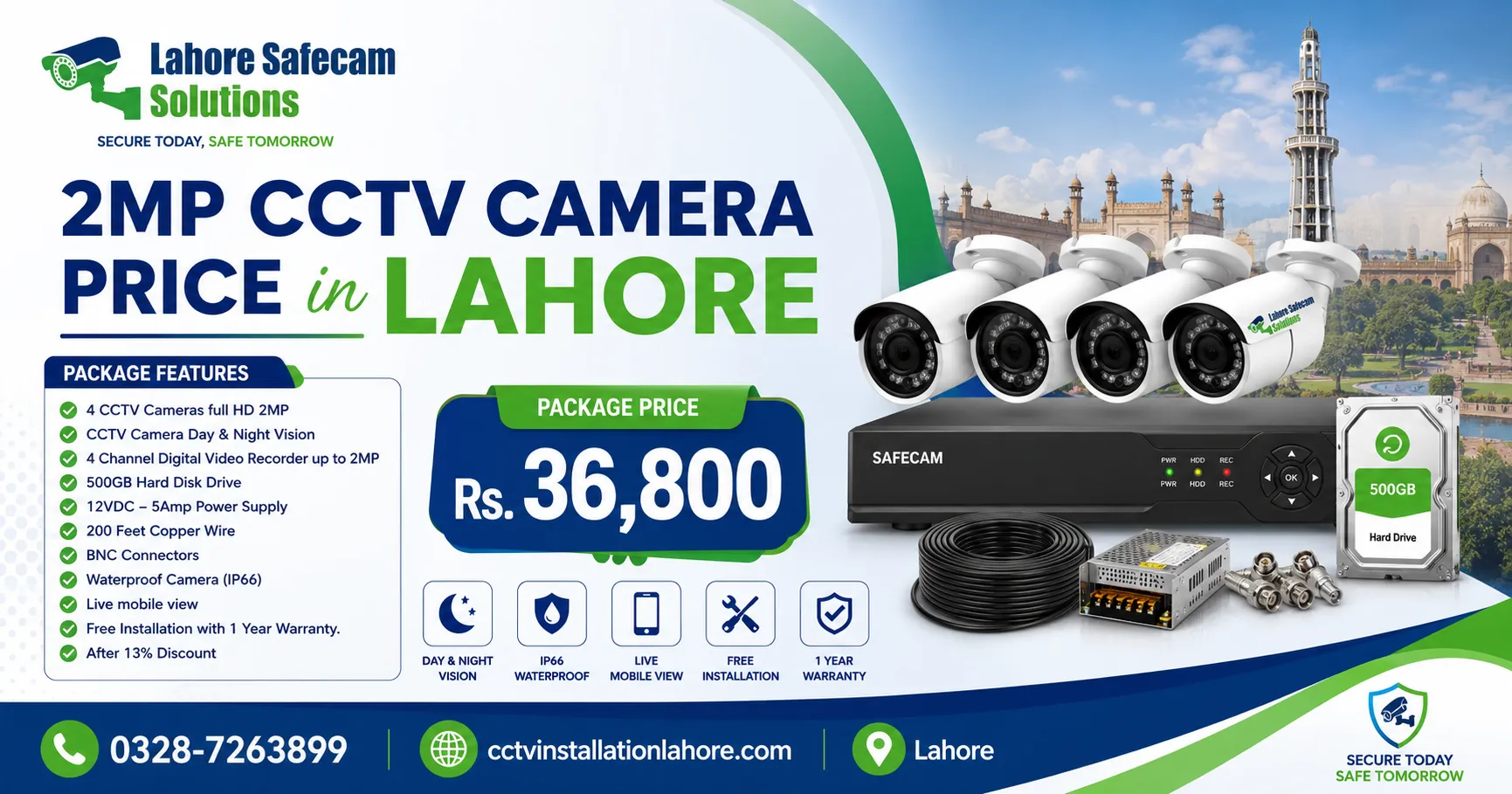
The cost of a wireless CCTV camera system in Lahore depends on the camera brand, resolution, number of cameras, storage capacity, power requirements, and installation complexity. A single Wi-Fi camera usually costs less than a complete multi-camera system. Battery-powered models, advanced pan-and-tilt cameras, higher-resolution devices, and systems with cloud subscriptions may have different overall costs. When comparing prices, consider the complete setup rather than the camera alone. Your budget may need to cover:
- Cameras and mounting accessories
- Memory cards or a compatible NVR
- Power adapters or supported battery accessories
- Wi-Fi improvements, if required
- Installation and configuration
- Mobile app setup and testing
- Warranty and after-sales support
Ask the supplier for a clear quotation that explains what is included. For current pricing, compare the exact model and its included accessories rather than relying on a general price estimate. If you need help selecting equipment for your property, you can contact a local CCTV installation provider in Lahore for advice based on your coverage requirements.
Wireless vs. Wired CCTV: Which Is Better?
Wireless and wired CCTV systems can both provide useful security monitoring, but they suit different situations.
| Feature | Wireless CCTV | Wired CCTV |
|---|---|---|
| Cabling | Often requires fewer video cables | Requires video or network cabling |
| Installation | May be simpler in suitable locations | Cable routing can require more work |
| Connectivity | Depends on wireless signal quality | A wired network connection is generally less affected by Wi-Fi interference |
| Power | May use an adapter or battery | Usually needs a power supply at the camera or supporting equipment |
| Recording | Memory card, cloud, or compatible NVR | DVR or NVR, depending on system type |
| Best suited for | Homes and areas where cable routing is difficult | Larger systems needing stable connections and centralized recording |
Wireless does not automatically mean cable-free. Many Wi-Fi cameras still require a power connection, and wireless video can be affected by network interference. For a small property, wireless cameras may offer convenient installation. For a large house, warehouse, or business that needs dependable continuous recording, a wired or professionally designed hybrid system may be the better choice.
How to Choose the Right Wireless Camera for Your Property
Before buying, identify the areas you want to monitor. The entrance, parking space, shop counter, staircase, and rear access point may have different security requirements.
Use the following practical checklist:
- Identify coverage areas: Decide where you need indoor or outdoor monitoring.
- Select the resolution: Match image detail to the size of the area and the distance from the camera.
- Check night vision: Confirm that the camera can capture useful footage in the expected lighting conditions.
- Test the network: Make sure Wi-Fi reaches the planned mounting points.
- Choose a recording method: Compare memory card, cloud, and compatible NVR options.
- Review power needs: Decide whether an adapter, battery, or supported solar setup is suitable.
- Check app features: Look for live viewing, playback, notifications, and appropriate privacy controls.
- Confirm warranty and support: Review the warranty terms and availability of replacement accessories.
For a multi-storey home in Lahore, test connectivity on each floor before purchasing several cameras. For a shop or office, consider camera placement, recording retention, and who will have permission to view the footage. Professional planning can also help reduce blind spots and ensure the system is configured correctly.
Final Thoughts
The best wireless security camera systems to buy in Lahore are those that provide suitable coverage, reliable connectivity, clear footage, and practical recording options for your property. A simple Wi-Fi camera may be enough for a small room, while a larger home or business may need several cameras and centralized storage. Compare resolution, night vision, power requirements, Wi-Fi coverage, storage, and warranty before making a decision. If you are unsure which setup fits your property, seek advice from a CCTV professional who can assess the location and recommend suitable equipment.
Frequently Asked Questions
What is the best wireless security camera system to buy in Lahore?
The best system depends on your property and budget. For a small home, a Wi-Fi camera with night vision, motion detection, mobile viewing, and local storage may be enough. Larger properties may need multiple cameras and a compatible NVR.
How much does a wireless CCTV camera system cost in Lahore?
Prices vary according to the brand, resolution, camera count, storage, and installation requirements. Request a quotation for the exact model and complete setup to compare costs accurately.
Are wireless security cameras suitable for home use?
Yes. Wireless cameras can be suitable for apartments and houses because they often require less video cabling. Their performance still depends on Wi-Fi coverage, power availability, and the selected recording method.
Do wireless CCTV cameras work without the internet?
Some cameras can continue recording locally to a memory card or supported recorder when the internet is unavailable. However, remote viewing and cloud services generally require an internet connection. Check the individual model’s offline recording capabilities.
Do wireless security cameras need a power cable?
Many Wi-Fi cameras need a power adapter. Battery-powered models can operate without a permanent power cable, but they require charging or battery replacement. Always check the device’s power specifications.
Which wireless security camera is best for outdoor use?
Choose an outdoor-rated model with suitable weather protection, night vision, reliable connectivity, and appropriate power options. An IP66 rating may be useful where supported, but installation instructions and environmental limits should also be considered.
Can wireless CCTV cameras record without a subscription?
Some cameras support local microSD storage or compatible NVR recording without a cloud subscription. Other features may require a paid plan, so check the manufacturer’s storage and subscription policies.
Can I view wireless security cameras on my mobile phone?
Many Wi-Fi security cameras provide mobile apps for live viewing, playback, and alerts. Remote access usually requires internet connectivity, an appropriately configured app, and secure account settings.
Are wireless cameras better than wired CCTV systems?
Neither option is always better. Wireless cameras can simplify installation where cable routing is difficult, while wired systems can provide dependable connections for larger installations. Choose based on coverage, network conditions, recording needs, and budget.