Choosing the right security camera is an important step in protecting your home, office, shop, or commercial property. With many CCTV camera models available in Lahore, it can be difficult to decide which option offers the right balance of image quality, features, durability, and cost. Before making a purchase, you should understand your security requirements and compare the specifications that matter most. When comparing the security camera price in Lahore, do not focus only on the initial purchase cost. Camera resolution, night vision, recording storage, installation charges, warranty, and maintenance can all affect the overall value of your security system.
1. Identify Your Security Requirements
Before comparing camera models, determine where you want to install the cameras and what you need to monitor. A camera suitable for a small bedroom may not provide the coverage required for a large warehouse or outdoor parking area.
Consider the following questions:
- Do you need cameras for a home, office, shop, or warehouse?
- Do you want to monitor entrances, parking areas, corridors, or cash counters?
- Do you need indoor cameras, outdoor cameras, or both?
- Do you want to watch live footage remotely through your mobile phone?
- How many days of recorded footage do you need to keep?
For example, a house in Lahore may require cameras at the main gate, entrance, garage, and backyard. A retail shop may need additional coverage for cash counters, stock areas, and customer entrances. Identifying these requirements helps you select the right CCTV camera package without paying for unnecessary features.
2. Compare Security Camera Prices in Lahore
The cost of a security camera depends on its resolution, brand, lens, connectivity, night vision, and smart features. Installation, cabling, recording equipment, and storage may increase the total project cost. When comparing CCTV camera prices in Lahore, request a clear quotation that explains what is included.
| Equipment or feature | What to check |
|---|---|
| Camera resolution | 2MP, 4MP, 5MP, or 8MP |
| Camera type | Analog, IP, or Wi-Fi camera |
| Night vision | Infrared or full-color night vision |
| Recording device | DVR or NVR, where required |
| Storage | Hard drive capacity or memory card |
| Installation | Labour, cabling, connectors, and setup |
| Warranty | Coverage for cameras and recording equipment |
A lower-priced camera may be suitable for basic monitoring, while a higher-specification model may be better for locations requiring detailed footage. Always compare complete system quotations rather than comparing camera prices alone. Ask the installer to explain equipment quality, warranty terms, and any additional charges before confirming your purchase.
3. Choose the Right Camera Resolution
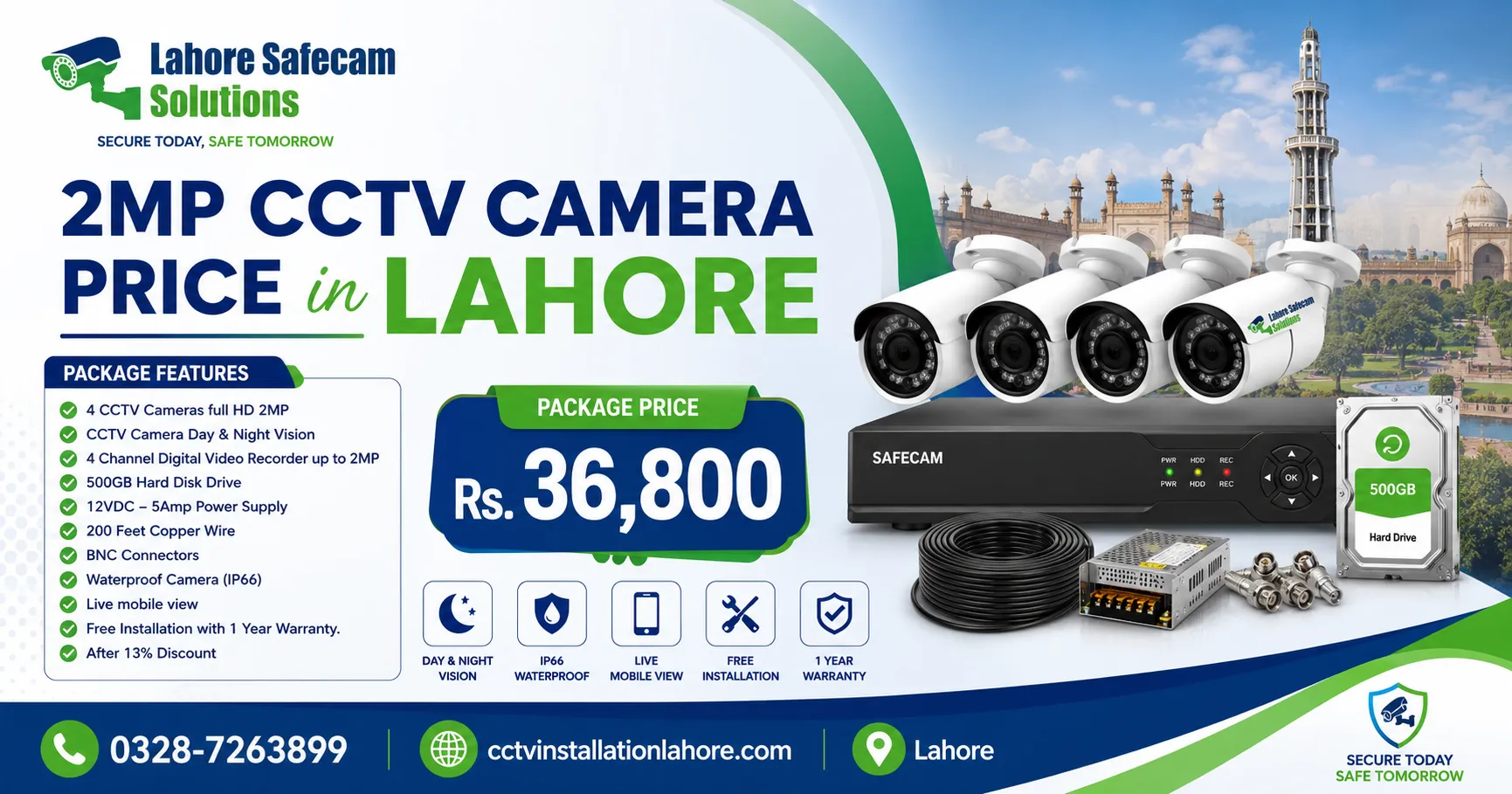
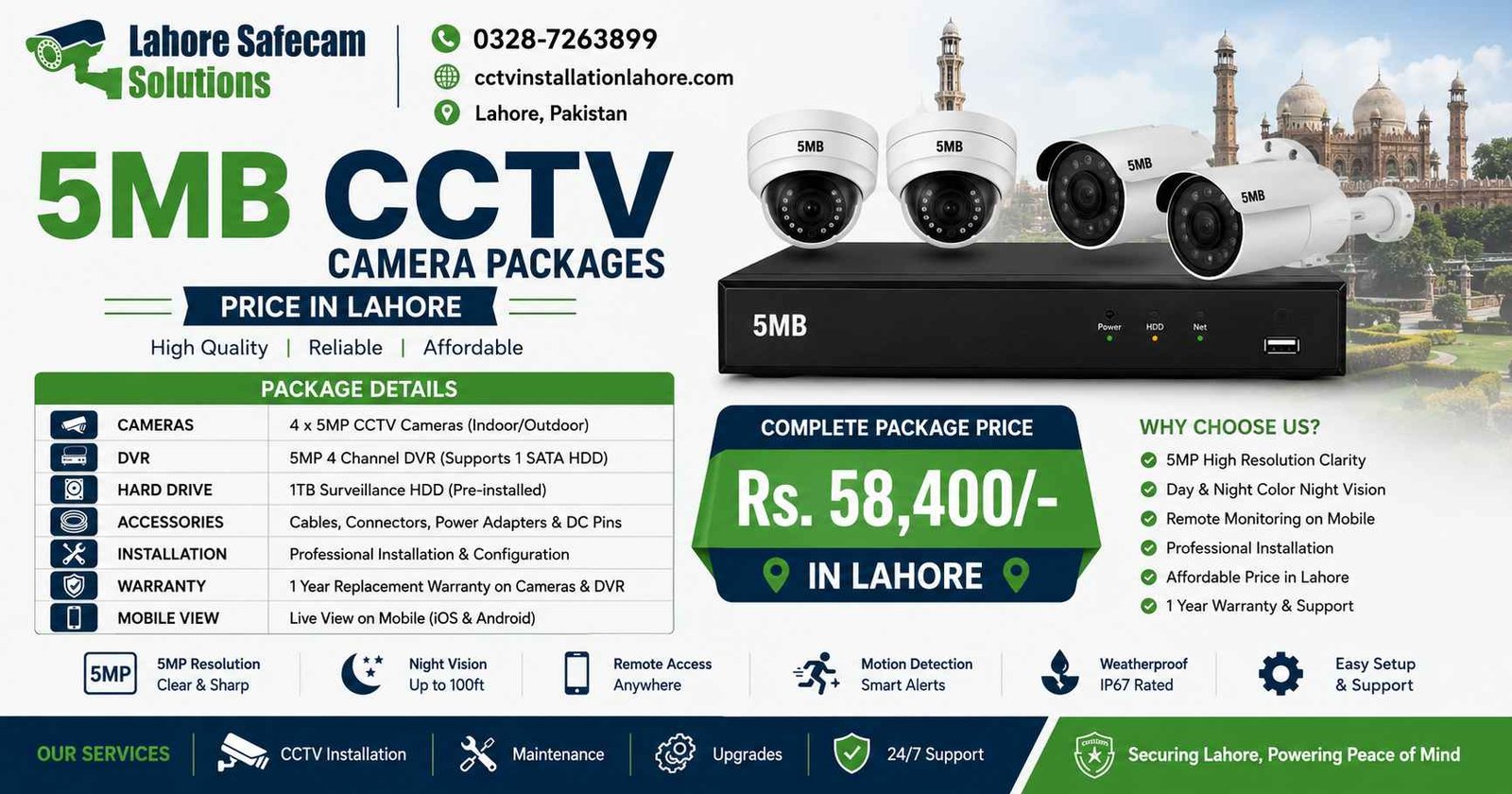
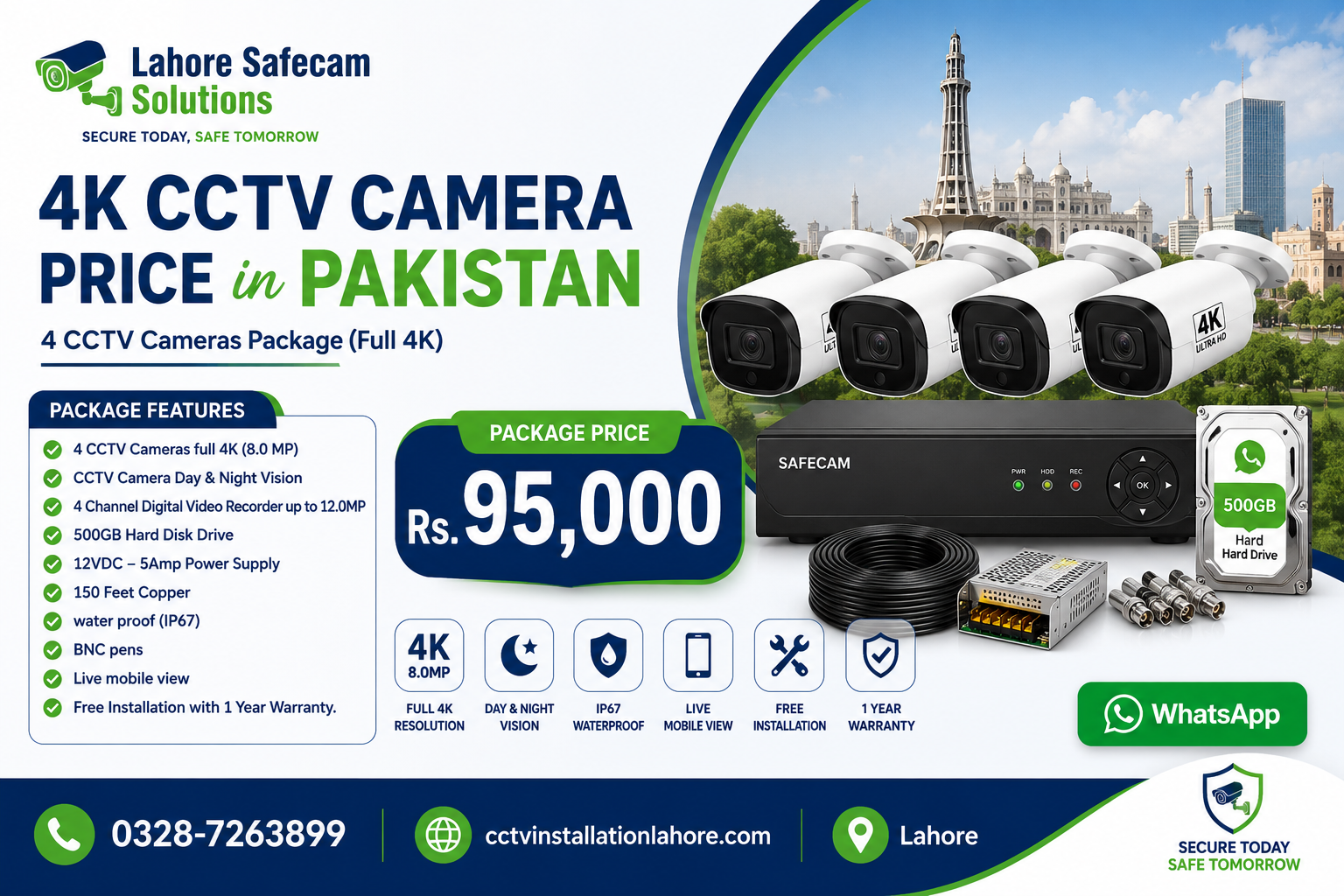
Resolution affects how much detail a security camera captures. Common options include 2MP, 4MP, 5MP, and 8MP cameras. However, a higher megapixel count does not automatically guarantee better footage in every situation. A 2MP camera may be sufficient for general monitoring of a small room or entrance. A 4MP or 5MP camera can provide more detail when the lens, lighting, and installation position are suitable. An 8MP camera, commonly associated with 4K resolution, may be useful when you need detailed images across a wider area.
Before selecting a camera, consider:
- The distance between the camera and the monitored area.
- The level of detail required for identifying people or objects.
- Lighting conditions during the day and at night.
- Available recording storage and network bandwidth.
- Whether your recorder supports the camera’s resolution.
For reliable results, match camera resolution with the actual monitoring requirement instead of choosing a model based on megapixels alone.
4. Select Between Indoor and Outdoor Security Cameras
Indoor and outdoor security cameras serve different purposes. Indoor models are generally designed for protected environments, while outdoor cameras need suitable protection against rain, dust, temperature changes, and other environmental conditions. For outdoor CCTV installation in Lahore, consider a weather-resistant camera with an appropriate IP rating. For example, IP66-rated models are designed to provide protection against dust and powerful water jets when correctly installed and maintained.
Outdoor cameras are commonly installed at:
- Main gates and house entrances.
- Parking areas and driveways.
- Shops and commercial building entrances.
- Warehouses and building perimeters.
- Outdoor storage and loading areas.
For indoor monitoring, compact dome cameras or other suitable indoor models may be a practical choice. The installation position also matters. Avoid placing cameras where direct sunlight, glare, obstructions, or poor mounting angles reduce image quality. Select equipment according to the actual environment rather than assuming every outdoor camera will perform equally well.
5. Check Night Vision and Low-Light Performance
Security incidents can occur after sunset, making nighttime performance an important buying consideration. Many CCTV cameras use infrared LEDs to capture footage in low-light conditions, while some models provide full-color night vision with additional lighting.
When comparing night vision cameras, consider the following:
- Infrared night vision: Captures images in darkness, usually in black and white.
- Full-color night vision: Can produce color footage when sufficient visible light or built-in illumination is available.
- Low-light sensitivity: Affects how clearly the camera records in dim environments.
- Night vision range: Indicates the manufacturer’s stated illumination range under specified conditions.
A camera advertised with a long night vision range may not identify faces clearly at the maximum distance. Actual performance depends on lighting, lens selection, mounting height, and environmental conditions. For outdoor areas, test the camera’s nighttime view and ensure that nearby walls, reflective surfaces, or lights do not create excessive glare.
6. Decide Between Wired, Wireless, and IP Cameras
The best connection type depends on your property layout, network availability, and installation requirements.
| Camera type | Main advantages | Considerations |
|---|---|---|
| Wired analog CCTV | Suitable for conventional DVR systems | Requires appropriate cabling |
| Wired IP camera | Digital video, flexible system integration, and network features | Requires network planning and compatible equipment |
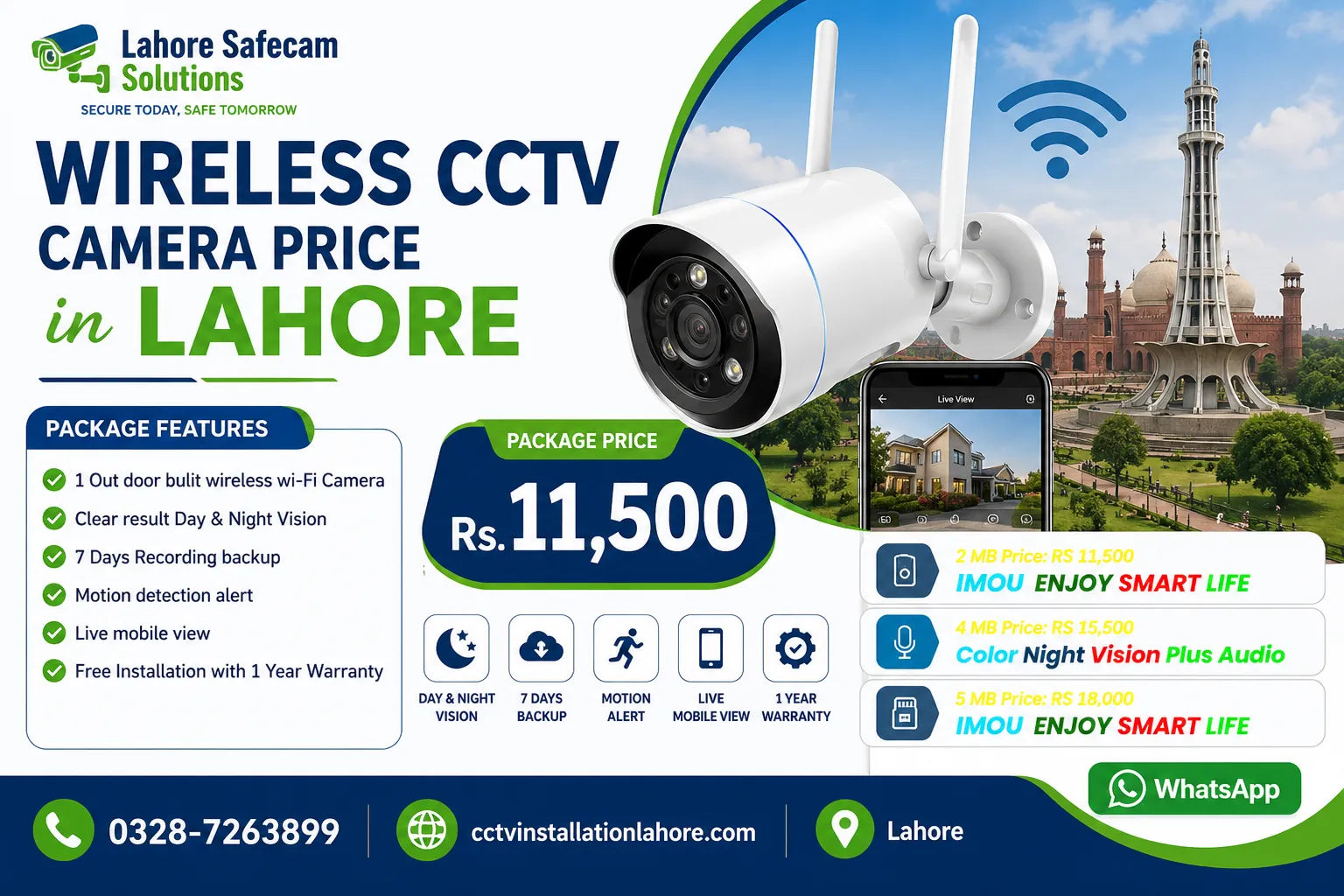
| Wi-Fi camera | Convenient installation where Wi-Fi coverage is reliable | Signal quality and power requirements must be considered |
| Battery-powered camera | Useful in selected locations without convenient power access | Battery life and charging requirements vary |
Wireless CCTV cameras are not necessarily cable-free. Many still require a power connection, while battery-powered models need periodic charging or battery replacement. For larger homes, offices, and commercial properties, a wired system may offer a more predictable connection. Wi-Fi cameras can be useful for smaller installations where reliable wireless coverage is available. Choose a system based on your property’s layout rather than assuming one technology is best for every situation.
7. Consider Recording Storage and DVR or NVR Compatibility
A security camera system is only useful for reviewing incidents if the footage is recorded and retained as required. Before purchasing, decide how many days of video you want to store and how many cameras will operate simultaneously. A DVR is commonly used with compatible analog CCTV cameras, while an NVR generally records video from compatible IP cameras.
Storage requirements depend on several factors:
- Number of cameras.
- Camera resolution and frame rate.
- Video compression settings.
- Continuous recording versus motion-triggered recording.
- Daily recording hours and retention period.
For example, a system with multiple high-resolution cameras recording continuously will generally require more storage than a smaller system using motion-triggered recording.
Ask your installer to estimate the required hard drive capacity based on your recording settings. Also confirm that the recorder supports your selected cameras and that recording continues as expected after a power or network interruption.
8. Look for Useful Smart Features
Modern security cameras may include motion detection, human detection, two-way audio, mobile alerts, and remote viewing. These features can improve convenience, but their availability and performance vary by model.
Useful features to compare include:
- Motion detection: Identifies changes within the camera’s field of view.
- Human detection: Helps distinguish people from some other moving objects.
- Mobile monitoring: Lets you view live footage and, where supported, recordings through an app.
- Two-way audio: Allows communication through cameras equipped with a microphone and speaker.
- Pan-tilt-zoom (PTZ): Enables supported cameras to move and zoom remotely.
- App notifications: Sends alerts based on configured events.
Check whether advanced features require a subscription, cloud storage, a compatible recorder, or a stable internet connection. Secure your system with strong passwords, updated firmware, and appropriate user permissions.
9. Calculate Installation Costs and Maintenance Requirements
The total cost of a CCTV system includes more than the cameras. Depending on the property, you may need a DVR or NVR, hard drive, cables, connectors, power supplies, mounting accessories, and installation labour. Before hiring CCTV camera installers in Lahore, request an itemized quotation covering equipment, installation, configuration, mobile viewing setup, and applicable warranty terms. You should also ask about ongoing maintenance. Dust, loose connections, damaged cables, power supply problems, and incorrect camera positioning can affect system performance over time.
Regular checks should include:
- Cleaning camera lenses and housings.
- Confirming that all cameras record correctly.
- Testing nighttime footage.
- Reviewing storage capacity and recording retention.
- Checking cables, power supplies, and network connections.
- Updating firmware when appropriate.
A professionally installed and maintained system can help reduce avoidable performance problems and support reliable monitoring.
10. Check the Warranty and Reputation of the Supplier
Before purchasing, verify the supplier’s reputation, product specifications, and after-sales support. Choose equipment with clearly explained warranty conditions and ensure that the quotation identifies the camera models and recording devices being supplied.
Ask the supplier:
- Is the equipment genuine and covered by a stated warranty?
- Is installation included in the quotation?
- Who will provide technical support if the system stops recording?
- Are replacement parts and compatible accessories available?
- Will the installer demonstrate mobile viewing and playback?
These questions help you compare suppliers on service quality rather than price alone. For local buyers, working with an experienced CCTV installation provider can also help with camera placement, system compatibility, cable routing, and troubleshooting.
Conclusion
Choosing the right security camera requires balancing image quality, nighttime performance, storage, connectivity, installation requirements, and long-term support. When comparing the security camera price in Lahore, evaluate the complete system rather than choosing the cheapest camera available. Whether you need CCTV for a house, office, shop, or warehouse, select equipment that matches your security requirements and property layout. A well-planned system can provide useful monitoring, recorded evidence, and convenient remote access when configured correctly. For help choosing a suitable CCTV system, visit Lahore Safecam Solutions and explore the available installation solutions for your property.
Frequently Asked Questions
What should I consider when buying a security camera in Lahore?
Consider your security requirements, camera resolution, night vision, indoor or outdoor suitability, recording storage, connectivity, installation cost, and warranty. Compare complete system quotations before choosing a model.
Which security camera resolution is best for a home?
A 2MP camera may be suitable for basic monitoring, while 4MP, 5MP, or 8MP models can provide additional detail. The best option depends on viewing distance, lighting, lens quality, and your identification requirements.
How much does a security camera cost in Lahore?
Prices vary by brand, resolution, camera type, and features. A complete CCTV system may also require a recorder, hard drive, cabling, and installation. Request a current quotation based on your property and required number of cameras.
Are wired or wireless security cameras better?
Wired cameras can offer reliable connections for larger installations, while Wi-Fi cameras can simplify installation in suitable locations. The best option depends on network coverage, power access, property layout, and recording requirements.
Can security cameras record at night?
Yes. Many cameras use infrared night vision, while other models offer full-color nighttime recording with suitable illumination. Actual image quality depends on the camera’s capabilities and the lighting conditions at the installation site.