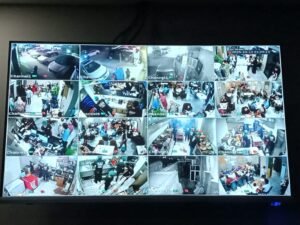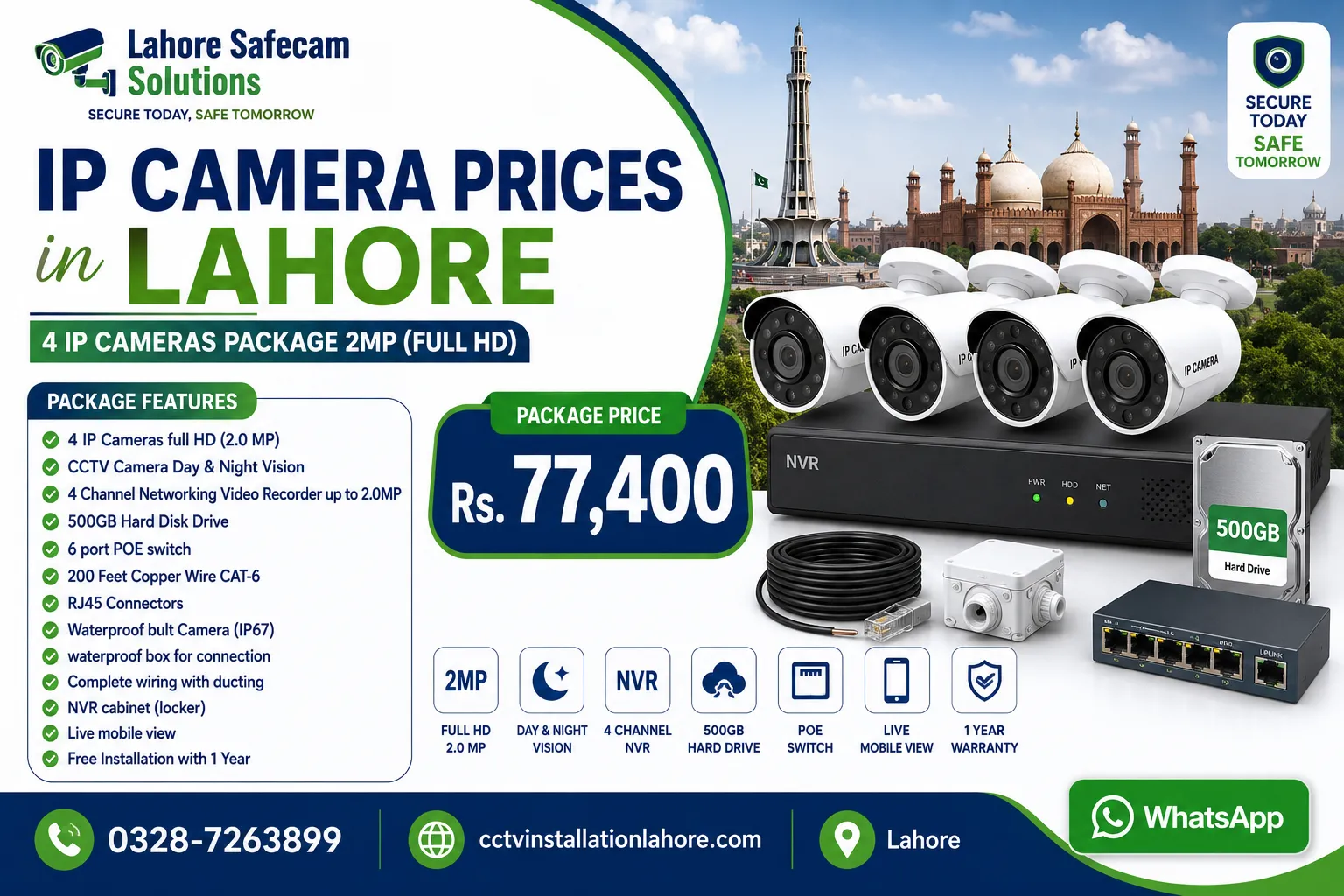

Planning a CCTV security system is an important step in protecting your home, office, shop, or commercial property. A reliable surveillance system does more than record video. It helps monitor important areas, reduce security blind spots, and provide useful footage when an incident occurs. Before installing cameras, property owners should assess their security requirements, identify suitable camera locations, select a compatible recording system, and determine how much storage is needed. Proper CCTV security system planning in Lahore also requires considering the property layout, power supply, network connectivity, and local environmental conditions. How to plan a CCTV system for homes and businesses, from assessing coverage areas to choosing recording equipment and preparing for installation.
Why CCTV Security System Planning Matters
Installing cameras without a clear plan can leave important areas unmonitored. A camera may capture a wide area but fail to provide enough detail near an entrance. Another camera may be installed in a location where walls or obstacles weaken its view. A proper CCTV system design starts with identifying what needs to be monitored and why. For a home, the main priorities may include gates, entrances, parking areas, and outdoor boundaries. A business may also require coverage of cash counters, stockrooms, reception areas, and employee access points.
Planning helps you:
- Identify security risks around the property
- Determine the number of cameras required
- Reduce blind spots in CCTV coverage
- Select suitable indoor and outdoor cameras
- Choose the correct DVR or NVR
- Estimate recording storage requirements
- Prepare for future system expansion
A well-planned system can improve monitoring while avoiding unnecessary equipment and installation costs.
How to Assess Your Property’s CCTV Coverage
The first step in CCTV installation planning is to assess the property. Walk through the areas you want to monitor and identify locations where security cameras can provide useful coverage.
For residential properties, common surveillance areas include:
- Main entrance and front gate
- Back door and side entrances
- Driveway or parking space
- Staircases and shared corridors
- Garden or boundary areas
- Important indoor access points
For offices, shops, and commercial properties, consider reception areas, cash counters, storage rooms, loading zones, and entrances used by staff or visitors. When planning camera placement, consider the viewing angle, mounting height, lighting conditions, and possible obstructions. Avoid positioning cameras where trees, walls, signs, or other objects block the view. A camera should capture the area needed for monitoring without unnecessarily recording private spaces. Proper placement helps create a practical surveillance layout and reduces blind spots.
How Many CCTV Cameras Does Your Property Need?
The number of cameras depends on the property’s size, layout, entrances, and security priorities. A small house may need only a few cameras, while a large commercial building may require a more detailed CCTV camera layout.
| Property Type | Areas to Consider |
|---|---|
| Small home | Main gate, entrance, parking |
| Large home | Multiple entrances, boundary, corridors |
| Small shop | Entrance, counter, customer area |
| Office | Reception, entrances, corridors, key rooms |
| Warehouse | Loading areas, storage sections, access points |
These are planning examples, not fixed camera counts. The actual number should be determined by the area each camera can cover and the level of detail required. For example, one wide-angle camera may monitor a parking area, but a separate camera may be needed to capture clearer footage of a gate or entrance. A professional site assessment can help determine an appropriate camera quantity.
Choosing the Right CCTV Camera Types
Different camera technologies serve different purposes. The best option depends on the property’s layout, wiring requirements, recording needs, and available network infrastructure.
IP CCTV Camera System
IP cameras transmit digital video over a network. They are commonly used in homes, offices, and commercial properties where detailed footage and network-based monitoring are required. An IP CCTV camera system can connect to a Network Video Recorder (NVR), and some models support Power over Ethernet (PoE), allowing video and power to travel through one compatible Ethernet cable.
Analog CCTV Camera System
Analog cameras connect to a Digital Video Recorder (DVR) using coaxial cable. They may be suitable for properties where an existing analog CCTV system is being upgraded or where a traditional wired setup is preferred.
Wireless and WiFi CCTV Systems
Wireless cameras can reduce the need for video cables, but they still usually require a power source. Their performance depends on WiFi signal strength, network coverage, and camera specifications.
Hybrid CCTV System
A hybrid system can support different camera technologies, depending on the recorder’s compatibility. It may be useful when upgrading an existing installation without replacing every camera. When selecting camera types, consider whether the system needs indoor monitoring, outdoor protection, night vision, remote access, or coverage of a large area.
DVR vs NVR: Which Recording System Should You Plan?
The recording device is an important part of a CCTV security system. It manages camera connections, saves footage, and provides access to recorded video. A DVR is generally used with compatible analog cameras, while an NVR is designed for network cameras. Some systems also allow compatible IP cameras to connect through network ports or external switches.
| Feature | DVR System | NVR System |
|---|---|---|
| Common camera type | Analog | IP cameras |
| Video connection | Coaxial cable | Ethernet/network |
| Network features | Depends on model | Commonly network-based |
| PoE support | Usually not built in | Available on selected models |
| System planning | Existing coaxial wiring | Network and camera compatibility |
Before purchasing a recorder, check the number of supported channels, camera resolution compatibility, network bandwidth, storage capacity, and remote monitoring features. Do not assume that every camera will work with every recorder. Confirm model compatibility, supported protocols, and connection requirements before installation.
CCTV Storage and Network Requirements
Storage planning determines how long your CCTV system can keep recorded footage. The required capacity depends on the number of cameras, video resolution, frame rate, compression, recording schedule, and activity in the monitored area. A system recording continuously will generally require more storage than one using motion-based recording.
Common recording options include:
- Continuous recording: Saves video throughout the day and night.
- Motion-based recording: Records when movement is detected.
- Event recording: Saves footage around selected events or alerts.
- Scheduled recording: Records during specified times.
For systems using IP cameras, network planning is also important. Check the required bandwidth, Ethernet cable routes, router or switch capacity, and WiFi coverage where wireless cameras are used. Remote monitoring through a mobile application usually requires an internet connection. However, some systems can continue local recording even if internet access is temporarily unavailable. When planning storage, decide how many days of footage you need to retain and select a compatible hard drive or storage solution accordingly.
CCTV Camera Placement for Homes and Businesses
Camera placement should support the security goals of the property. The camera’s viewing angle, mounting height, lighting, and distance from the target area all affect the usefulness of recorded footage. For homes, cameras are often positioned near entrances, gates, driveways, and other access points. Outdoor cameras should be suitable for exposure to weather and dust. For businesses, the layout may include separate cameras for entrances, cash counters, stock areas, and corridors. Warehouses may need additional coverage of loading zones and storage sections. Avoid placing cameras directly toward strong light sources, as glare can reduce image clarity. Also consider how the cameras will be accessed for cleaning, maintenance, and adjustment. In Lahore, outdoor camera planning should account for heat, rain, dust, and direct sunlight. Choose suitable weather-resistant equipment and follow the manufacturer’s mounting instructions.
CCTV Installation Planning in Lahore
Once the system design is complete, prepare for installation. Check the cable routes, mounting surfaces, power availability, and network connection before equipment is installed.
A practical installation plan should include:
- Confirm camera locations and coverage areas.
- Identify cable routes and power requirements.
- Check the DVR or NVR location.
- Confirm network connectivity and remote access needs.
- Plan storage capacity and recording settings.
- Test every camera after installation.
- Verify live viewing, playback, and mobile access.
For homes and businesses in Lahore, professional CCTV installation can help ensure that the system is configured correctly and provides suitable coverage. Lahore Safecam Solutions can assist with CCTV system planning, camera placement, equipment selection, and installation requirements based on the property’s security needs.
How to Prepare for Future CCTV System Expansion
A CCTV system should be planned with future requirements in mind. A property may later add another entrance, expand its office space, or require additional monitoring areas. Before installation, consider whether the recorder has spare channels, whether the network can support additional cameras, and whether storage capacity can be increased. For IP systems, check the available network switch ports and bandwidth. For wired systems, suitable cable routing may make future camera additions easier. Planning for expansion can reduce the need for major changes when security requirements grow.
Final Thoughts
Effective CCTV security system planning helps protect homes, offices, shops, and commercial properties by ensuring that important areas receive suitable surveillance coverage. Before installation, assess the property, identify camera locations, select compatible equipment, and plan storage, power, and network requirements.
For CCTV system planning in Lahore, focus on the security needs of your property rather than simply choosing the largest number of cameras. A well-designed system can provide reliable monitoring, useful recorded footage, and flexibility for future expansion. To discuss CCTV camera installation or system planning for your property, visit our Contact Us page.
Frequently Asked Questions
How do you plan a CCTV security system for a property?
Start by assessing security risks and identifying important areas. Determine camera locations, required camera quantity, recorder type, storage capacity, and network or power requirements before installation.
How many CCTV cameras are needed for a home in Lahore?
The number depends on the home’s size, layout, entrances, and coverage requirements. A small home may need a few cameras, while a larger property may require additional cameras for gates, parking, corridors, and boundaries.
Where should CCTV cameras be placed?
Common locations include entrances, gates, parking areas, corridors, cash counters, and storage areas. Place cameras where they can provide a useful view without major obstructions.
What is the difference between DVR and NVR?
A DVR generally records video from compatible analog cameras using coaxial cables. An NVR records video from compatible IP cameras over a network.
Does a CCTV security system require an internet connection?
Internet access is generally required for remote viewing and online notifications. Some systems can still record locally when the internet is unavailable, depending on the equipment and configuration.
Can a CCTV system be expanded later?
Yes, if the recorder, network, storage, and power infrastructure support additional cameras. Planning for expansion from the beginning can make future upgrades easier.