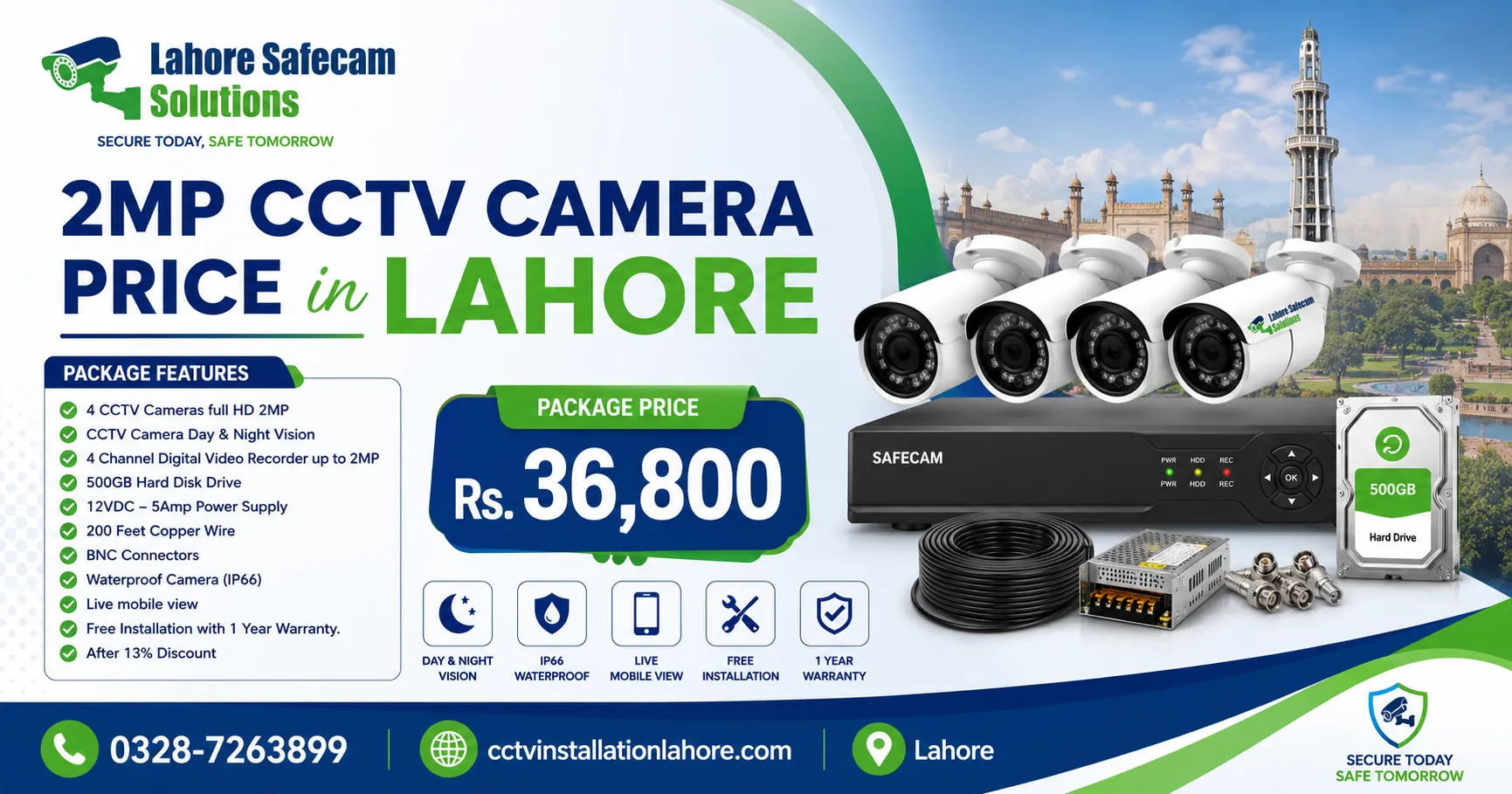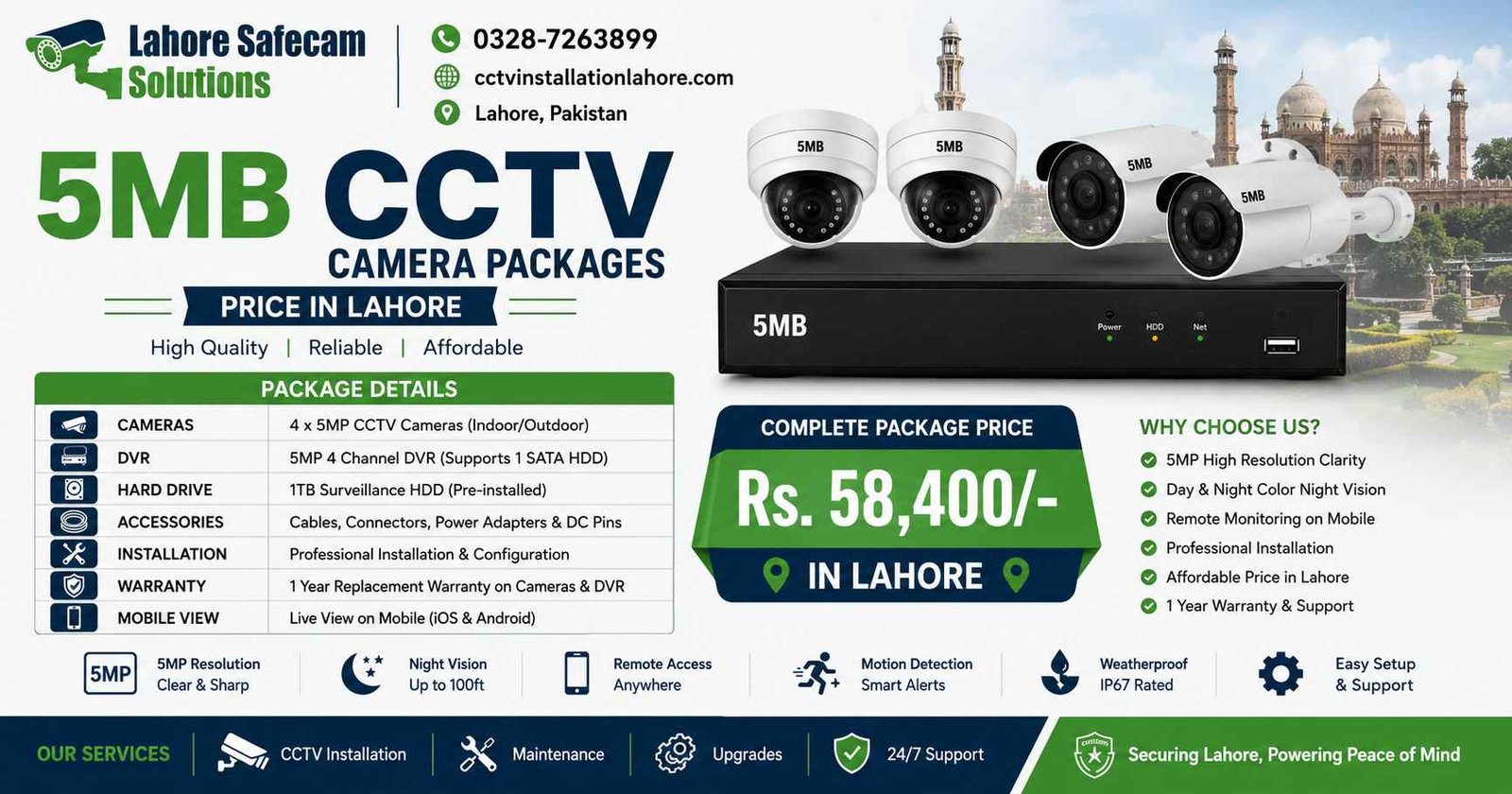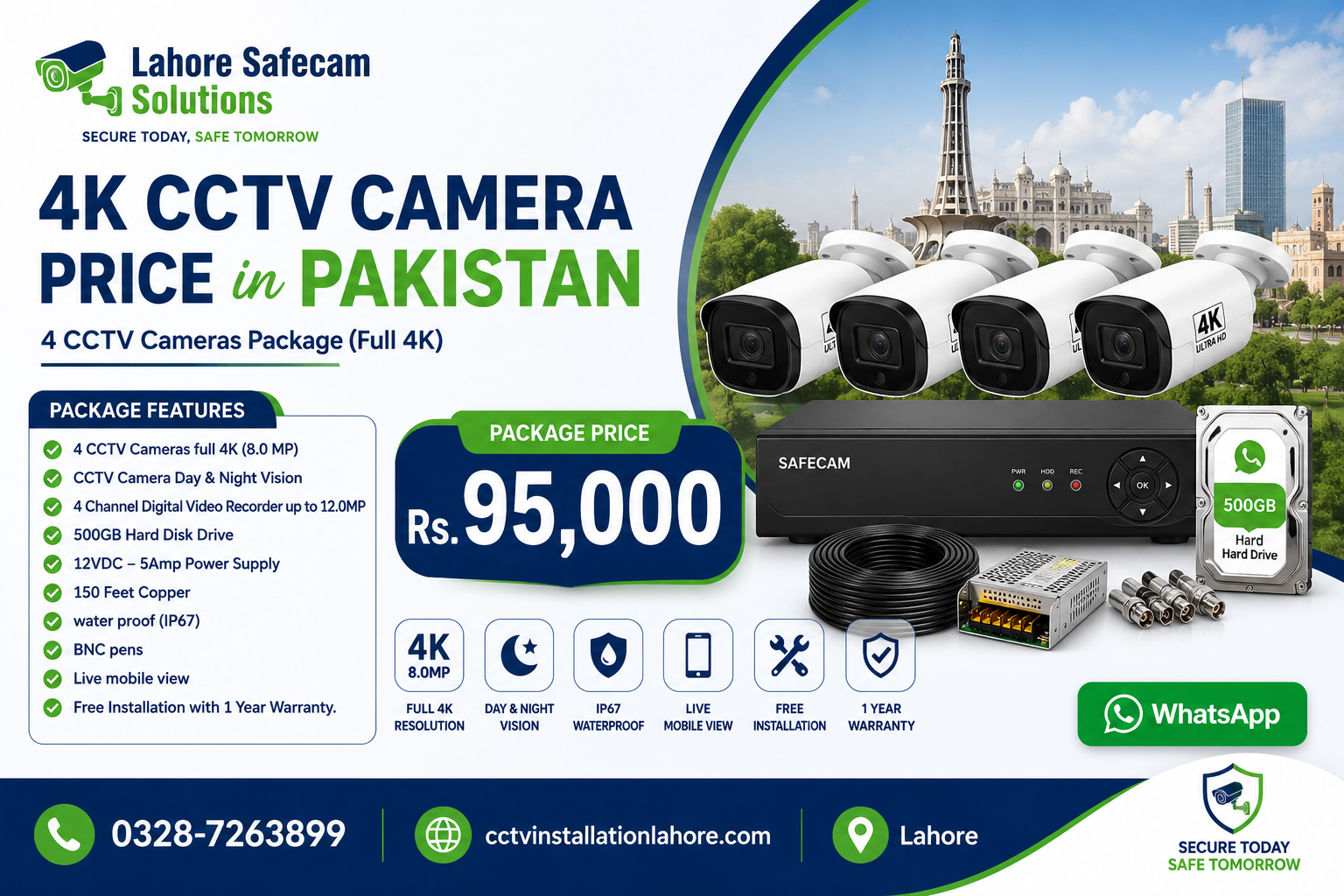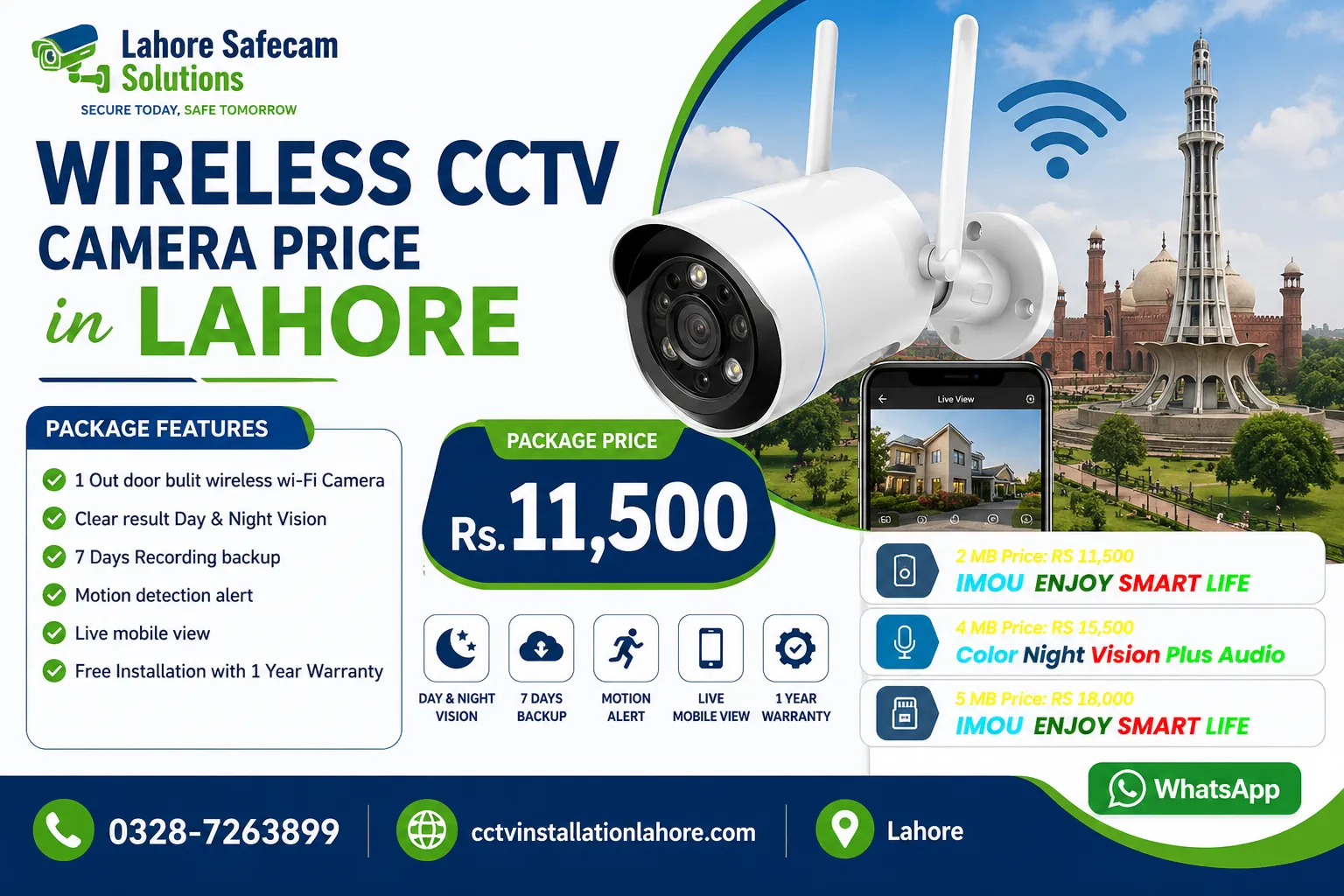
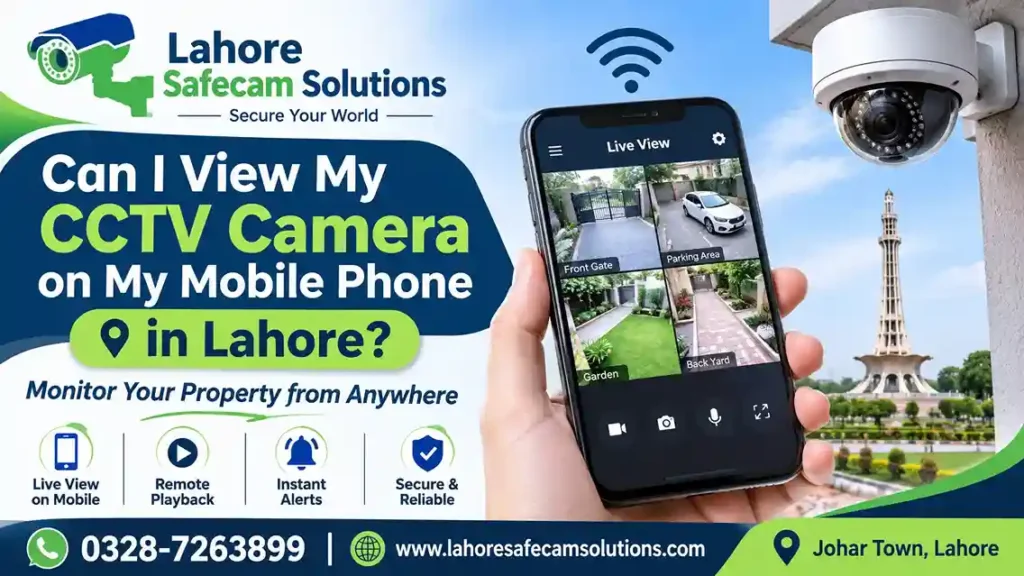
Yes, you can view your CCTV camera on your mobile phone in Lahore from almost anywhere with an internet connection. Modern CCTV systems allow homeowners and business owners to monitor live camera footage, check recorded videos, and receive motion detection alerts directly on their Android smartphones or iPhones. Whether you have a Hikvision, Dahua, IMOU Indoor Camera, or another compatible security camera system, mobile viewing can make security monitoring more convenient.
For this purpose, your CCTV cameras must be connected to a compatible DVR, NVR, or WiFi network, depending on the system. You also need the correct mobile application and a properly configured internet connection. With professional installation and setup from Lahore Safecam Solutions, you can access your home, office, shop, or commercial property remotely.
How Can I View My CCTV Camera on My Mobile Phone?
You can view your CCTV cameras on your smartphone by connecting your camera system to a compatible mobile application. Most modern CCTV brands provide dedicated applications that allow users to access live video, playback recordings, and manage camera settings remotely.
The general setup process includes:
- Connect your CCTV system to the internet: Connect your DVR, NVR, or WiFi camera to an active internet connection.
- Install the correct mobile application: Download the official application recommended by your camera manufacturer.
- Open the application: Create an account or sign in using your existing credentials.
- Add your CCTV device: Scan the device QR code or enter its serial number, depending on the application.
- Complete device configuration: Follow the instructions to connect your camera system.
- Check live footage: Open the camera preview to view real-time video on your mobile phone.
Once configured correctly, you can monitor your property without being physically present at the location.
Which Mobile Apps Are Used for CCTV Camera Viewing?
Different CCTV manufacturers use different mobile applications. Before downloading an application, check your camera or recording device model to confirm compatibility.
1. Hik-Connect for Hikvision CCTV Cameras
Hik-Connect is the official mobile application used with supported Hikvision cameras, DVRs, and NVRs. It allows users to access live camera feeds and recorded footage through their smartphones.
Key features include:
- Live CCTV camera viewing.
- Remote playback of recorded videos.
- Motion detection notifications on supported devices.
- Device sharing with authorized users.
- Remote monitoring of multiple cameras.
2. DMSS for Dahua CCTV Systems
DMSS is Dahua’s mobile application for compatible security devices. It allows homeowners and businesses to monitor their properties remotely.
Its useful features include:
- Live video streaming.
- Playback of recorded footage.
- Remote access to supported DVRs and NVRs.
- Motion detection alerts.
- Camera management through a smartphone.
3. IMOU Life for IMOU WiFi Cameras
IMOU Life is designed for compatible IMOU security cameras, including indoor and outdoor WiFi models.
Depending on the camera model, users can access:
- Live video monitoring.
- Two-way audio communication.
- Motion detection alerts.
- Remote camera access.
- Playback of locally or cloud-stored recordings, where supported.
Choosing the correct application is important because not every CCTV mobile app supports every camera brand.
Can I Watch My CCTV Cameras from Anywhere in Pakistan?
Yes, you can watch your CCTV cameras remotely from anywhere in Pakistan or even when travelling abroad, provided your system supports remote access and has an active internet connection. For example, if your CCTV cameras are installed at your home in Johar Town, DHA, Bahria Town, or another area of Lahore, you can monitor the property while travelling to Islamabad, Karachi, Multan, or another city.
Remote CCTV monitoring is particularly useful for:
- Homeowners: Check entrances, parking areas, gates, and other important locations.
- Shop owners: Monitor customer areas, cash counters, and stockrooms.
- Office managers: Keep an eye on workplaces and business operations.
- Property owners: Monitor vacant houses, rental properties, and commercial buildings.
However, remote viewing depends on the internet connection at the installation location and your smartphone’s connectivity.
Does CCTV Mobile Viewing Require an Internet Connection?
Yes, remote CCTV viewing generally requires an internet connection at the camera location and on your smartphone. Your CCTV system can often continue recording locally even if the internet stops working, provided the recording equipment has power and sufficient storage.
There are two different functions to understand:
| CCTV Function | Internet Required? |
|---|---|
| Local recording on DVR/NVR | No |
| Recording on an SD card | No |
| Live viewing from the same local network | Usually no |
| Remote viewing outside the property | Yes |
| Remote playback | Yes |
| Receiving remote motion alerts | Yes |
A stable internet connection is important for smooth live video streaming. Slow upload speeds at the installation location can cause delayed footage, buffering, or connection problems.
For better performance, use a reliable broadband connection and configure your router and CCTV recording device correctly.
Can I View Multiple CCTV Cameras on a Mobile Phone?
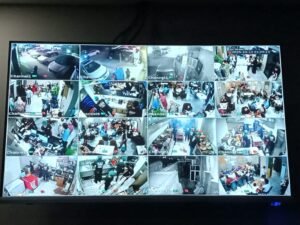
Yes, many modern CCTV applications allow users to view multiple cameras through a single smartphone. For example, if you have four cameras installed at your house, you can open the mobile application and check their live feeds from one dashboard. Some applications also support split-screen viewing, allowing you to monitor several camera feeds simultaneously.
This feature is useful for properties with multiple security areas, such as:
- Main entrances and gates.
- Indoor rooms and hallways.
- Parking areas.
- Shops and warehouses.
- Office reception areas.
The number of cameras you can view simultaneously depends on the mobile application, recording device, smartphone performance, and available internet bandwidth.
Why Is My CCTV Camera Not Showing on My Mobile Phone?
Sometimes, CCTV cameras stop connecting to mobile applications or fail to display live footage. This can happen because of internet problems, incorrect settings, or device configuration issues.
Here are some common causes and their possible solutions:
| Common Problem | Possible Solution |
|---|---|
| CCTV device shows offline | Check the internet connection and router |
| Live footage is buffering | Check upload speed and network stability |
| QR code is not working | Confirm the device details and application |
| Mobile app cannot connect | Check account permissions and device configuration |
| Recorded footage is unavailable | Check HDD, SD card, and recording settings |
| Camera disconnects frequently | Inspect WiFi signal and network cabling |
If the problem continues, a technician can inspect the network connection, DVR/NVR settings, and remote access configuration. For CCTV systems installed in Lahore, professional troubleshooting can help identify whether the issue is related to the camera, internet connection, router, or recording device.
What Is Better for Mobile Viewing: WiFi CCTV or Wired CCTV?
Both WiFi and wired CCTV systems can support mobile viewing. The right option depends on your property, camera locations, and security requirements.
- WiFi CCTV cameras are suitable for locations where running network cables is difficult. Many standalone WiFi cameras connect directly to a router and provide mobile access through their manufacturer’s application.
- Wired IP CCTV cameras generally use Ethernet cables to connect to an NVR or network switch. They can provide a more stable connection, particularly when installed in larger properties.
For permanent home and business security, a properly designed wired CCTV system is often a practical option. WiFi cameras can be useful for smaller installations or locations where flexible placement is important. Before choosing a system, consider internet availability, recording requirements, camera compatibility, installation costs, and future expansion.
How Much Does CCTV Camera Installation with Mobile Viewing Cost in Lahore?
The cost of CCTV installation with mobile viewing in Lahore depends on the camera brand, resolution, number of cameras, recording equipment, storage capacity, and installation requirements.
A complete CCTV package may include:
- HD, 4MP, or 5MP security cameras.
- DVR or NVR recording equipment.
- Hard drive for video storage.
- Power supply and networking accessories.
- CCTV cables and connectors.
- Mobile application configuration.
- Professional installation and testing.
Some standalone WiFi cameras provide mobile viewing without requiring a separate DVR or NVR. However, larger installations may benefit from a centralized recording system. Instead of choosing a package based only on its initial price, compare camera quality, recording duration, warranty, mobile viewing compatibility, and after-sales support. For an installation quotation, contact Lahore Safecam Solutions and discuss your property size and security requirements.
Professional CCTV Installation and Mobile Viewing in Lahore
Setting up mobile CCTV monitoring involves more than installing a camera application. Your cameras, recording device, router, and smartphone must work together correctly. Lahore Safecam Solutions provides CCTV camera installation and configuration services for residential and commercial properties in Lahore. Our team can help with camera placement, DVR/NVR setup, internet connectivity, and mobile application configuration. Whether you need a new CCTV system for your home, office, shop, or warehouse, choosing compatible equipment and proper installation can make remote security monitoring easier. Before installation, discuss your requirements, including the number of cameras, recording duration, remote viewing access, and preferred camera resolution.
Conclusion
Viewing CCTV cameras on your mobile phone is a convenient way to monitor your home or business from almost anywhere. With the correct mobile application, compatible recording equipment, and a stable internet connection, you can access live footage, review recordings, and receive security alerts remotely.
Whether you choose Hikvision, Dahua, IMOU, or another compatible CCTV system, proper configuration is essential for reliable mobile monitoring. If you need CCTV installation with mobile viewing in Lahore, Lahore Safecam Solutions can help you select and configure a suitable security system for your property.
(FAQs) View CCTV camera on mobile phone
Can I view my CCTV camera on my mobile phone without a DVR?
Yes. Compatible standalone IP and WiFi cameras can connect directly to their manufacturer’s mobile application without requiring a separate DVR or NVR.
Which app is used to watch CCTV cameras on mobile?
Hik-Connect is used for compatible Hikvision devices, DMSS for Dahua systems, and IMOU Life for supported IMOU cameras. Always check device compatibility before installation.
Can I watch my CCTV camera from another city?
Yes. If remote access is configured and your CCTV system has an active internet connection, you can monitor your property from another city or country.
Can multiple family members view the same CCTV cameras?
Yes. Many CCTV applications support device sharing, allowing the owner to provide access to other authorized family members.
Can CCTV cameras record without an internet connection?
Yes. Compatible DVRs, NVRs, and cameras with SD cards can continue local recording without internet, provided they have power and sufficient storage.
Can I watch old CCTV recordings on my mobile?
Yes. Supported CCTV applications allow remote playback of recorded footage stored on an SD card, DVR, or NVR.
Why does my CCTV camera keep going offline on my phone?
Common reasons include unstable internet, weak WiFi signals, router problems, power interruptions, or incorrect network configuration.
Can I view CCTV cameras on both Android and iPhone?
Yes. Most major CCTV manufacturers offer mobile applications for supported Android and iOS devices.