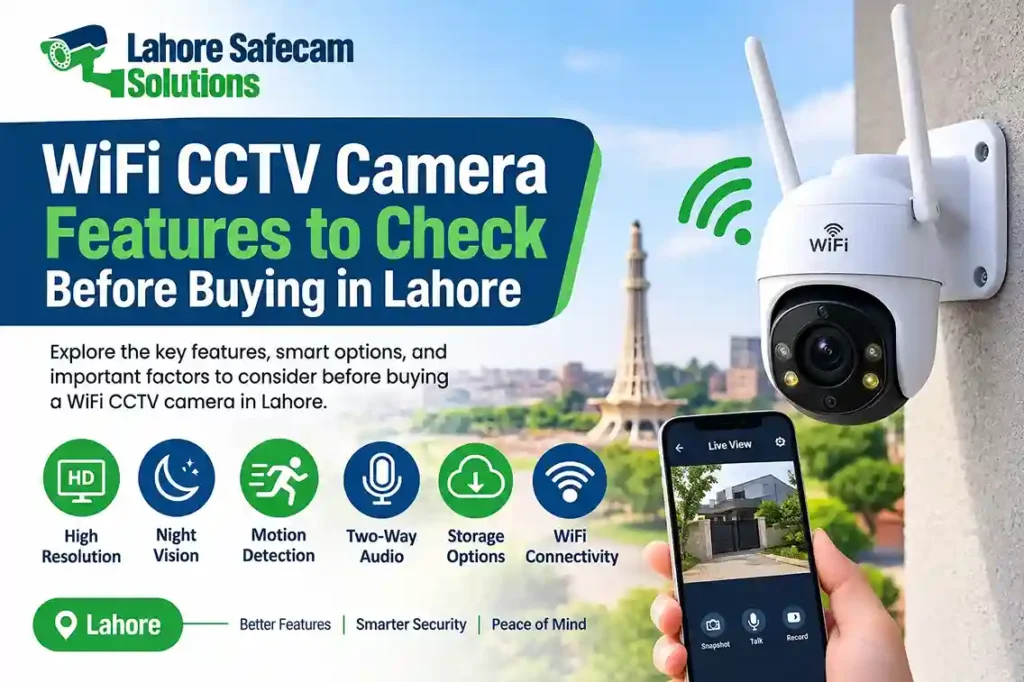
Choosing the right WiFi CCTV camera is an important step when improving security at your home, office, shop, or commercial property. Modern wireless security cameras offer features such as HD video recording, night vision, motion detection, two-way audio, and remote mobile monitoring. However, not every camera provides the same performance or recording options.
Before purchasing a WiFi CCTV camera in Lahore, consider your property’s layout, internet connection, storage requirements, camera resolution, and installation location. These factors help you select a camera that provides reliable monitoring without paying for unnecessary features. In this guide, we explain the most important WiFi CCTV camera features to check before buying, including indoor and outdoor performance, wireless connectivity, recording options, and installation requirements.
1. Camera Resolution and Video Quality
Resolution determines how clearly a security camera captures images and video. A higher-resolution camera can provide more detail, which is useful when monitoring entrances, parking areas, shops, and other important locations.
Common WiFi CCTV camera resolutions include:
| Camera Resolution | Suitable Use |
|---|---|
| 2MP (1080p Full HD) | Small rooms, basic home monitoring |
| 3MP | General home and office security |
| 4MP | Clearer footage for entrances and shops |
| 5MP | More detailed monitoring of larger areas |
| 4K (8MP) | High-detail surveillance where supported |
For a small room or indoor area, a 2MP or 3MP camera may be sufficient. For outdoor entrances, shops, or larger spaces, a 4MP or 5MP model may provide more useful detail. Remember that resolution is not the only factor affecting image quality. Lens quality, lighting conditions, camera placement, and image processing also influence the final footage.
2. Night Vision and Low-Light Performance
Night vision is one of the most important features to consider when buying a WiFi security camera. A camera should provide clear footage after sunset, especially when monitoring outdoor gates, parking spaces, corridors, and entrances.
There are two common night vision technologies:
- Infrared night vision: Uses infrared LEDs to capture black-and-white footage in low-light or dark conditions.
- Color night vision: Uses available light or built-in illumination to capture color footage at night.
Some cameras also include smart illumination, which automatically activates a light when movement is detected.
Before purchasing, check the camera’s night vision range and performance in real conditions. A camera advertised with a long infrared range may not provide equally clear footage in every environment. For properties in Lahore, consider nearby streetlights, outdoor lighting, and the distance between the camera and the area being monitored.
3. Motion Detection and Smart Alerts
Motion detection allows a camera to identify movement within its viewing area and send notifications to your smartphone. This feature helps property owners monitor activity without continuously watching live video. However, basic motion detection can sometimes generate unnecessary alerts because of moving trees, insects, vehicles, or changing light conditions.
Look for cameras that offer:
- Adjustable motion detection zones
- Human detection technology
- Motion sensitivity settings
- Real-time mobile notifications
- Custom alert schedules
- Event-based video recording
Human detection can help reduce unwanted notifications by distinguishing people from some other types of movement. However, its accuracy depends on the camera model, software, and surrounding conditions. Before buying, check whether the mobile application allows you to customize alerts. This can make everyday monitoring more convenient.
4. Two-Way Audio and Remote Monitoring
Two-way audio allows users to listen through the camera’s built-in microphone and speak through its speaker using a connected smartphone.
This feature can be useful for:
- Communicating with family members at home
- Speaking to visitors near an entrance
- Giving instructions to staff
- Monitoring activity around a reception area
- Checking on children or elderly family members
Also, check whether the camera supports remote viewing through a mobile application. Most modern WiFi CCTV cameras provide live video streaming and playback through an app. Before purchasing, confirm that the application is compatible with your Android or iPhone device. Check whether multiple users can access the camera and whether the manufacturer provides regular software updates.
5. Storage Options and Recording Capacity
A WiFi CCTV camera needs a suitable storage method to save recorded footage. Different models support different recording options, so check storage compatibility before making a purchase.
- MicroSD Card Storage: Many wireless cameras support microSD cards for local recording. This is a convenient option for individual indoor or outdoor cameras. However, maximum supported card capacity varies by model.
- NVR Storage: Some WiFi cameras can connect to a compatible Network Video Recorder (NVR). This option is useful when managing multiple cameras from one central recording system. Compatibility should be confirmed before purchasing.
- Cloud Storage: Certain manufacturers offer cloud recording subscriptions. Footage is uploaded to an online service, which can provide access even if the camera or local storage is damaged. Availability, subscription fees, and supported features vary by brand.
When comparing storage options, consider:
- Supported microSD card capacity
- Continuous or motion-based recording
- Recording duration
- Automatic overwriting of older footage
- Playback and video download options
- Cloud subscription costs
Choose a storage solution based on how many days of footage you need and how frequently you expect to review recordings.
6. WiFi Connectivity and Signal Strength
A wireless camera depends on a stable network connection for smooth live viewing, notifications, and remote access. A weak WiFi signal can cause delayed video, connection interruptions, or offline camera status. Before installing a camera, check the WiFi signal at the intended location.
Important connectivity features include:
- 2.4GHz WiFi compatibility
- 5GHz WiFi support, where available
- Stable wireless signal reception
- Router compatibility
- Mobile application connectivity
- Reliable remote access
Many WiFi CCTV cameras support only 2.4GHz networks, while some newer models support both 2.4GHz and 5GHz. Always check the manufacturer’s specifications. For larger houses, offices, or multi-floor buildings in Lahore, the router may not provide sufficient coverage in every area. A WiFi extender, mesh network, or improved router placement may be necessary. A strong internet connection is especially important for remote monitoring. However, some cameras can continue local recording to an SD card even when the internet connection is unavailable. Confirm this feature before buying.
7. Indoor vs Outdoor WiFi Camera Protection
Not every wireless camera is designed for outdoor installation. Indoor cameras are generally intended for protected environments, while outdoor models are built to handle exposure to weather and dust.
| Feature | Indoor WiFi Camera | Outdoor WiFi Camera |
|---|---|---|
| Installation | Rooms and offices | Gates, walls, parking areas |
| Weather protection | Usually limited | Weather-resistant design |
| Night vision | Available on many models | Available on many models |
| Housing | Compact indoor body | More protective enclosure |
| Common features | Motion alerts, two-way audio | Night vision, motion alerts, weather protection |
For outdoor installations in Lahore, consider heat, dust, rain, and direct sunlight. Check the camera’s IP protection rating, such as IP65 or IP66, and follow the manufacturer’s installation guidelines. An appropriate outdoor camera should also be positioned to reduce glare, avoid unnecessary obstruction, and provide a useful view of the area.
8. Pan, Tilt, and Zoom Functionality
Some WiFi CCTV cameras offer pan and tilt functionality, allowing the camera lens to move horizontally and vertically. This can help monitor a wider area with a single device.
PTZ-style features may be useful for:
- Large living rooms
- Shops and small offices
- Reception areas
- Covered outdoor spaces
- Areas where a fixed camera cannot cover every direction
Some models also offer digital zoom, while others include optical zoom. These technologies are different: digital zoom enlarges the image, while optical zoom uses the lens to magnify the view. Before buying, check the camera’s movement range, tracking capabilities, and whether it can automatically follow detected movement.
9. Power Supply and Installation Requirements
Although WiFi cameras transmit video wirelessly, most models still require a power source. Wireless connectivity does not automatically mean that a camera operates without cables.
Common power options include:
- Standard power adapters
- Rechargeable batteries
- Solar-assisted power systems
- Battery-powered cameras with optional solar panels
Battery-powered cameras can offer flexible placement, but battery life depends on recording activity, motion alerts, temperature, and usage. During installation, consider the distance from the nearest power outlet, mounting position, WiFi coverage, and accessibility for maintenance. For a professional setup, Lahore Safecam Solutions can help assess camera placement, wireless connectivity, and recording requirements for residential and commercial properties.
10. Check Warranty, App Support, and Manufacturer Reliability
Technical features are important, but after-sales support also matters. Before purchasing a WiFi CCTV camera, check the manufacturer’s warranty, software support, and availability of replacement accessories.
Consider the following:
- Warranty coverage and duration
- Mobile application reliability
- Firmware and security updates
- Availability of compatible memory cards
- Manufacturer support
- Local repair and installation assistance
Buying a camera from a reliable supplier can also help you confirm whether the model is genuine and suitable for your requirements.
Which WiFi CCTV Camera Is Best for Your Property in Lahore?
The best camera depends on the location, monitoring requirements, and available network coverage. For a bedroom or living room, a compact 2MP or 3MP indoor camera may be enough. For a shop entrance or office, consider a 4MP or 5MP model with good night vision and human detection. For an outdoor gate or parking area, choose a weather-resistant camera with suitable night vision and reliable WiFi connectivity.
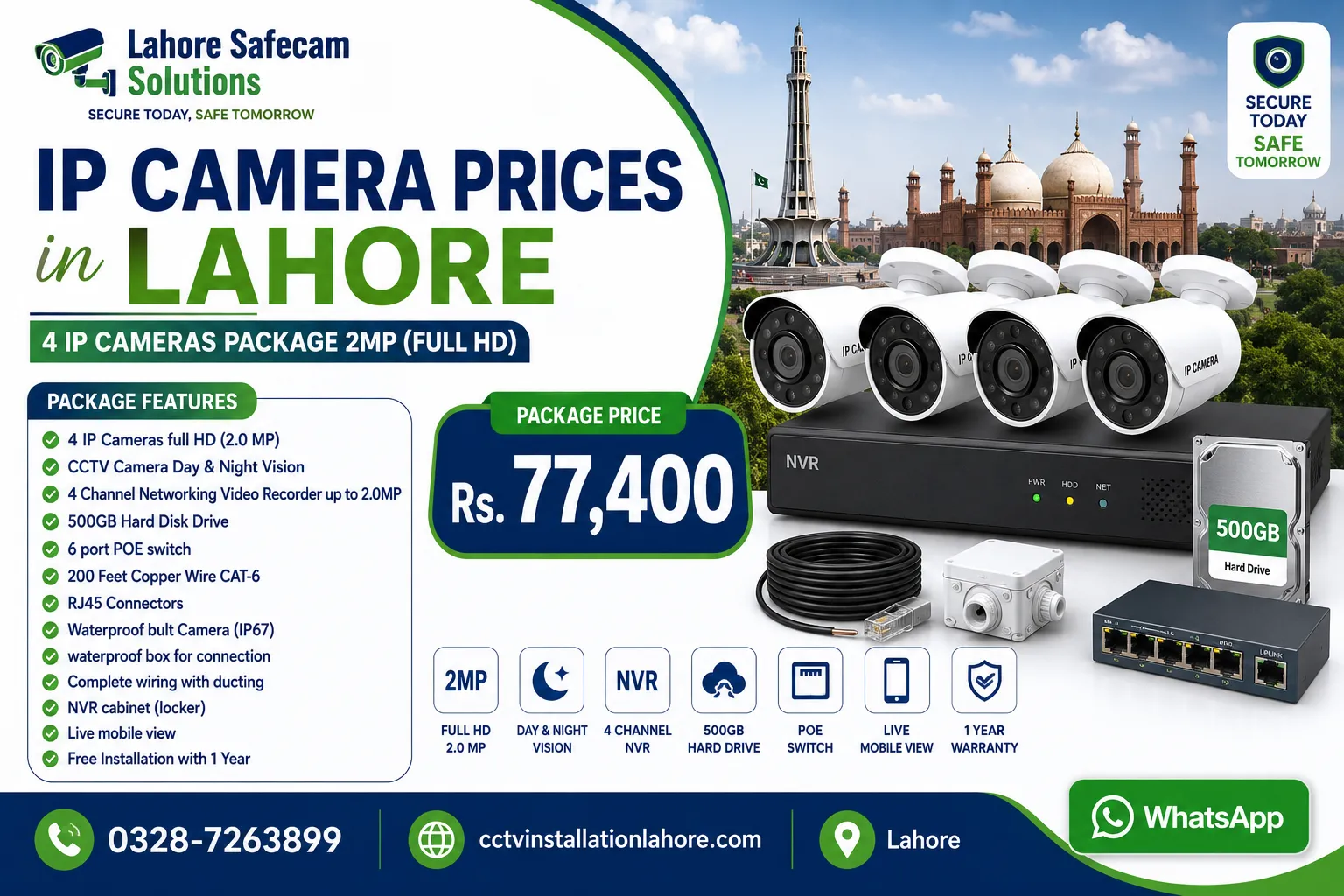
If you are unsure which model to choose, compare its resolution, storage compatibility, app features, power requirements, and warranty before making a decision. You can also explore our IP Camera Prices in Lahore page to understand other camera options, or contact us for CCTV camera guidance and installation support.
Final Thoughts
Buying a WiFi CCTV camera involves more than comparing prices or choosing the highest resolution. You should consider video quality, night vision, smart alerts, storage, WiFi coverage, power supply, and weather protection. For homes, shops, and offices in Lahore, the right camera should match the property’s layout and provide dependable monitoring. By checking these features before buying, you can choose a wireless security camera that meets your requirements and supports long-term security.
FAQs: WiFi CCTV Camera Features in Lahore
What features should I check before buying a WiFi CCTV camera?
Check camera resolution, night vision, motion detection, two-way audio, storage options, WiFi compatibility, power requirements, and mobile application support. These features help determine whether the camera is suitable for your property.
Which resolution is best for a WiFi security camera?
A 2MP camera can be suitable for basic indoor monitoring. A 3MP or 4MP model offers more detail, while a 5MP or 4K camera may be preferable for areas where clearer footage is important.
Can WiFi CCTV cameras work without internet?
Some WiFi cameras can continue recording locally to a supported microSD card without an internet connection. However, remote viewing and online notifications generally require internet access. Check the specifications of your selected model.
Do WiFi CCTV cameras support night vision?
Yes, many WiFi cameras include infrared or color night vision. Their performance depends on the model, available lighting, and night vision range.
How much WiFi speed is required for a CCTV camera?
The required internet speed depends on the camera resolution, video bitrate, and number of connected cameras. A stable connection is more important than speed alone. Check the manufacturer’s recommended network requirements.
Are outdoor WiFi cameras waterproof?
Some outdoor cameras have weather-resistant enclosures, but not all models are waterproof. Check the IP protection rating and installation instructions before placing a camera outside.
Is a 3MP or 5MP WiFi camera better?
A 5MP camera generally captures more image detail than a 3MP camera. However, it may also require more storage and network bandwidth. Choose according to your monitoring area and recording needs.
Can I view my WiFi CCTV camera on my mobile phone?
Most modern WiFi CCTV cameras support mobile applications for live viewing, playback, and notifications. Confirm that the camera’s app supports your smartphone before purchasing.